South Asia
Branded catalog ad images for Meta, TikTok, Snapchat and Pinterest, for stores in South Asia
Generated from your product feed and kept up to date. Every product gets your logo, its price written the way shoppers in South Asia read it and the pay-later instalment from your provider, in the languages your store sells in.
CatalogBadge in South Asia
What your images say in South Asia
Worked out by the same code that draws your images, with the settings a new store starts with.
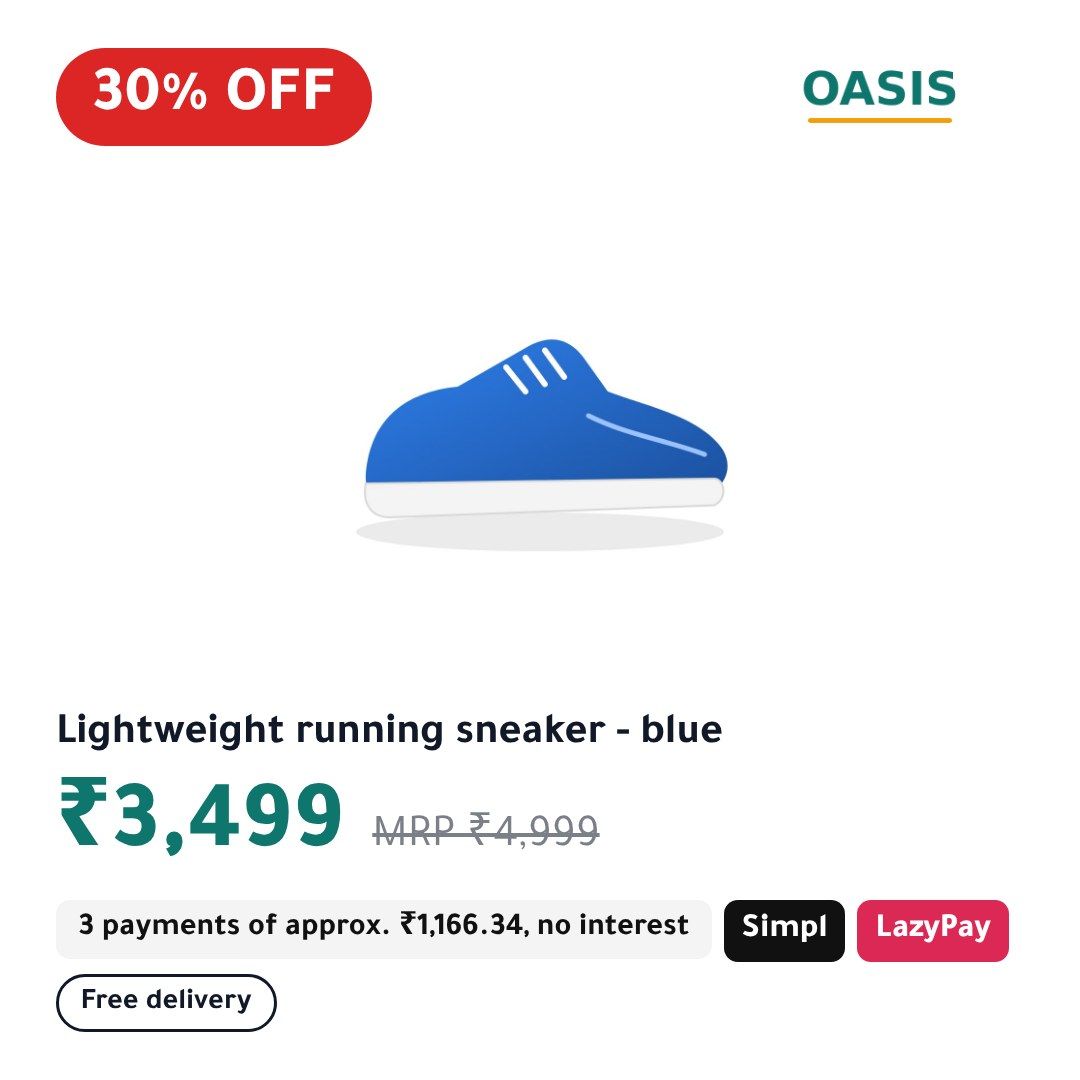
Example product · India · INR
₹3,499MRP
₹4,99930% OFFSimplLazyPay3 payments of approx. ₹1,166.34, no interest
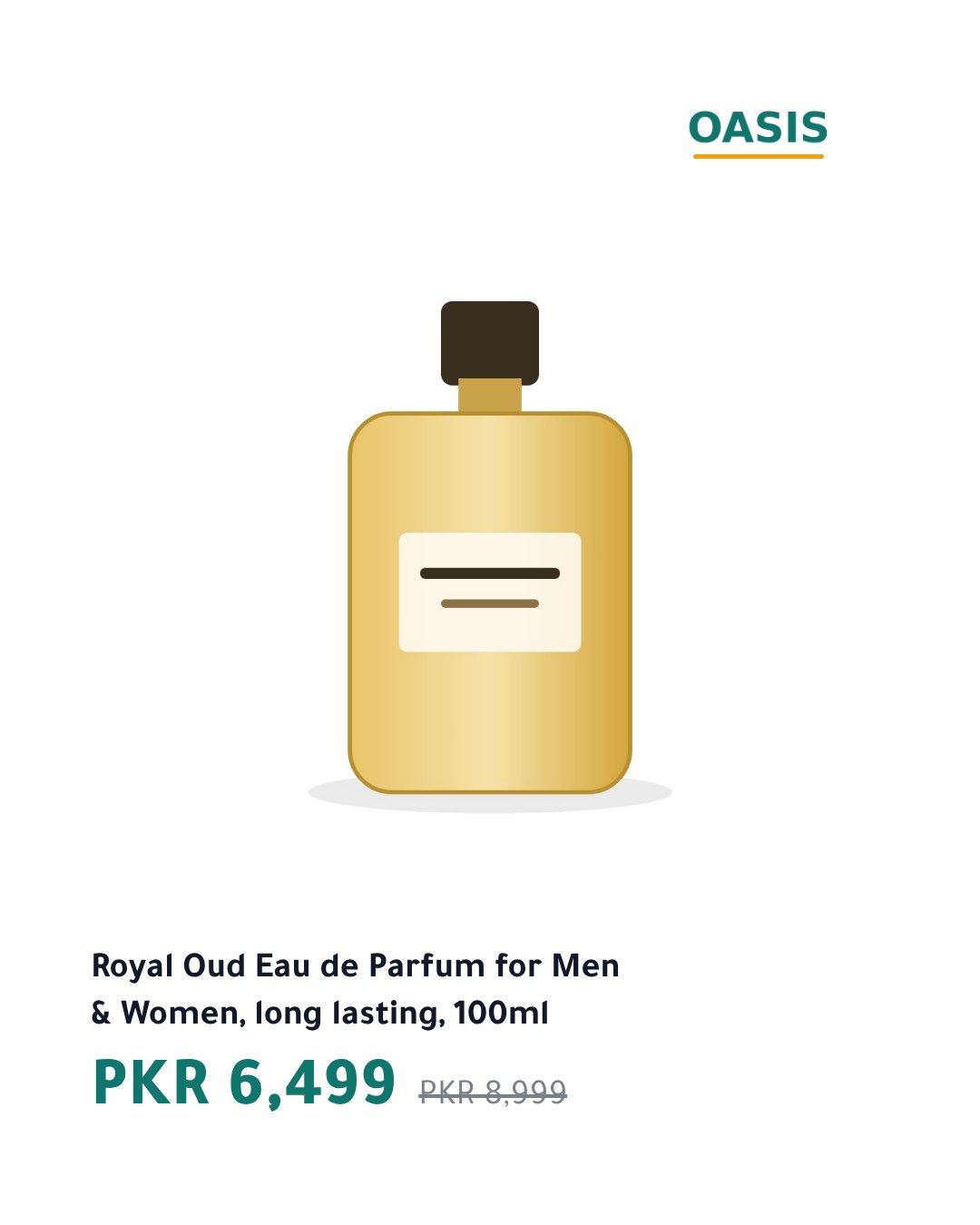
Example product · Pakistan · PKR
PKR 6,499
PKR 8,99927% OFFSimplLazyPay3 payments of approx. PKR 2,166.34, no interest
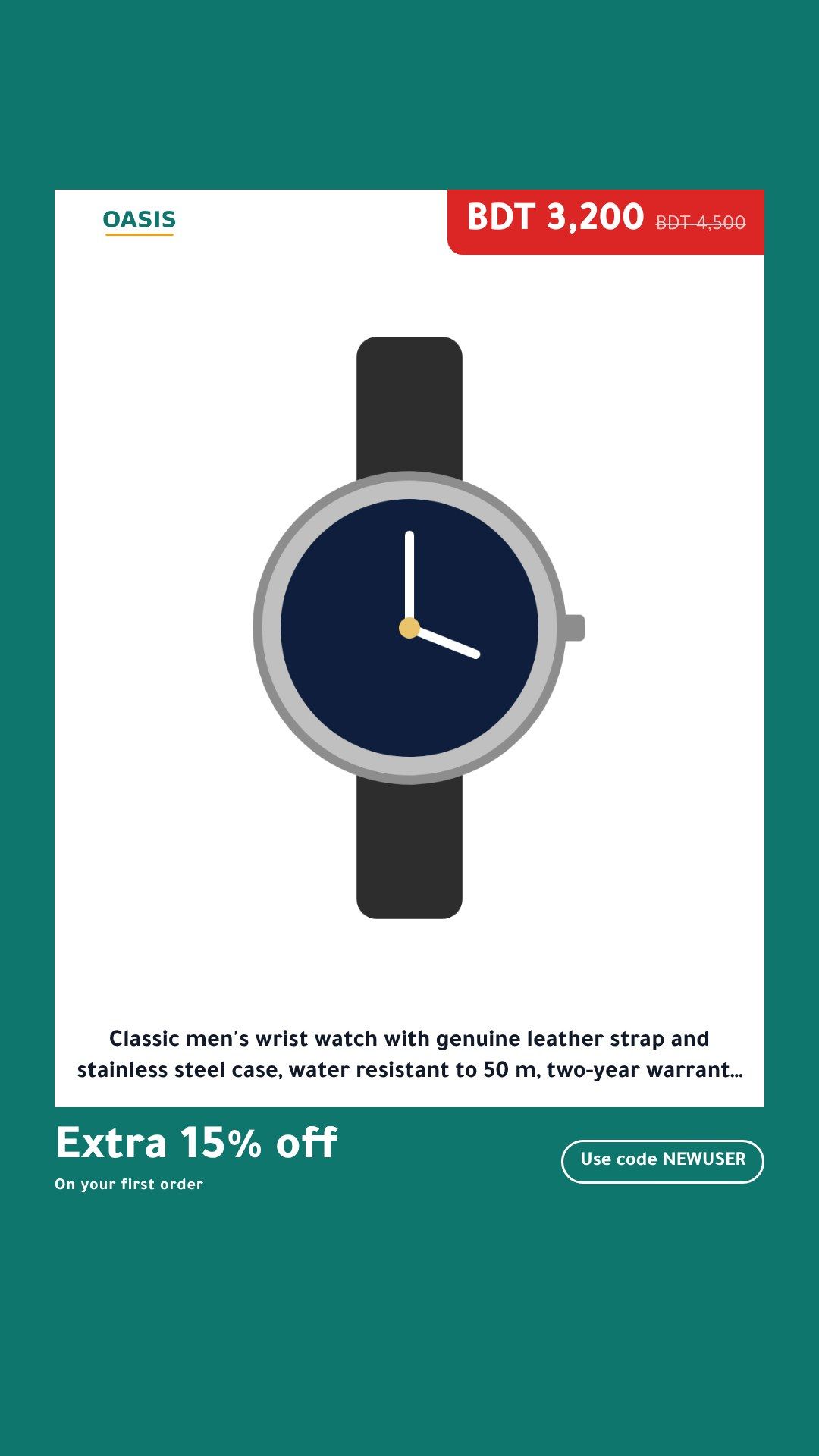
Example product · Bangladesh · BDT
BDT 3,200
BDT 4,50028% OFFSimplLazyPay3 payments of approx. BDT 1,066.67, no interest
- In India the struck-through price is labelled MRP, the printed maximum retail price.
- The struck-through price is your feed’s regular price. It is your claim, so it has to be a price you really charged.
- Pay later
- Ready-made presets for Simpl and LazyPay. Pick one in the dashboard, set the number of instalments to your plan, and the line is worked out from each product’s price.
- Seasons
- Ready-made seasons for stores in South Asia: Diwali, Ramadan, Eid al-Fitr, Eid al-Adha, Black Friday, Cyber Monday, Republic Day sale, Valentine's Day, Mother's Day, and Independence Day sale. Switch designs on the dates you set, in your time zone.
- Plans and checkout
- Plans are priced in US dollars before tax, $49, $99, or $199 a month, in South Asia as everywhere. At checkout you can pay in US dollars or switch to your local currency where our payment provider supports it.See plans and pricing
Works with the feed your store already has
Plus Salla, Zid, YouCan, Wix, BigCommerce, PrestaShop, Shopware 6, Squarespace, Ecwid, OpenCart, ExpandCart, and EasyOrders, and any feed in Meta or Google Shopping format: CSV, TSV, RSS or Atom.
Free demo
See your products in 30 seconds
Paste the product feed URL you give your ad platforms. We draw six of your products with our default template: price, % off and the instalment line, in Arabic or English.
Your whole catalog, your logo and colours, a feed Meta and Snapchat read every day:
Four things CatalogBadge does for your catalog ads
- 1Arabic done rightArabic drawn by a real browser, right to left, beside English and the Latin languages your store sells in.
- 2Every channel from one feedMeta, TikTok, Snapchat and Pinterest, each at the size it shows, from the feed you already have.
- 3Test and growDesign variants, product video and a feed per country, to find what sells and take it further.
- 4Safe by designNever a wrong price, never a broken catalog, and no access to your ad account.
- built-in templates
- 15
- ready-made designs
- 120
- store platforms with a setup guide
- 15
How it works
Three steps, and your catalog ads look like your brand
- 1
Paste your feed URL
The product feed link from Salla, Zid, Shopify, WooCommerce, Magento or your feed app, or a read-only key for Magento, PrestaShop, Shopware, Squarespace or Ecwid. We read it and show you which products are ready and which have problems.
- 2
Pick a template and your brand
Your logo, colours and font, the badges you want and your pay-later settings. You see the preview on your own products before anything goes live.
- 3
Paste our feed URL into your catalog
In Meta Commerce Manager, TikTok Ads Manager, Snapchat Ads Manager or Pinterest Ads. Your catalog stays yours: we never touch your ad account and never create a catalog for you.
What goes on every image
- Price and discount
- Pay later
- Your brand
- Arabic, English and 7 more languages
- Prices written the local way
- Every placement
Arabic done right
15 built-in templates and 120 ready-made designs, in Arabic and English
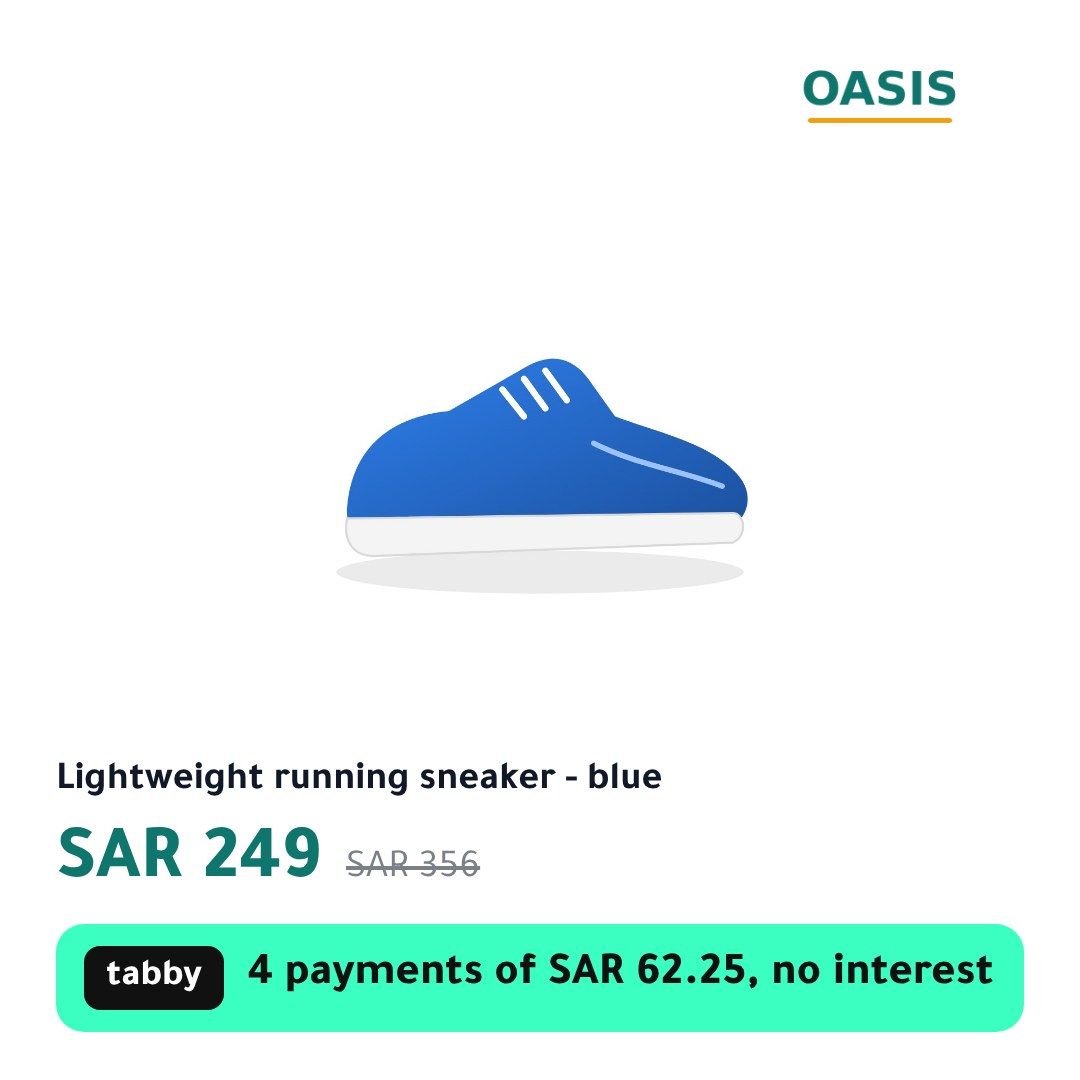
Real images from our renderer, using a sample store. Yours carry your logo, colours and products.
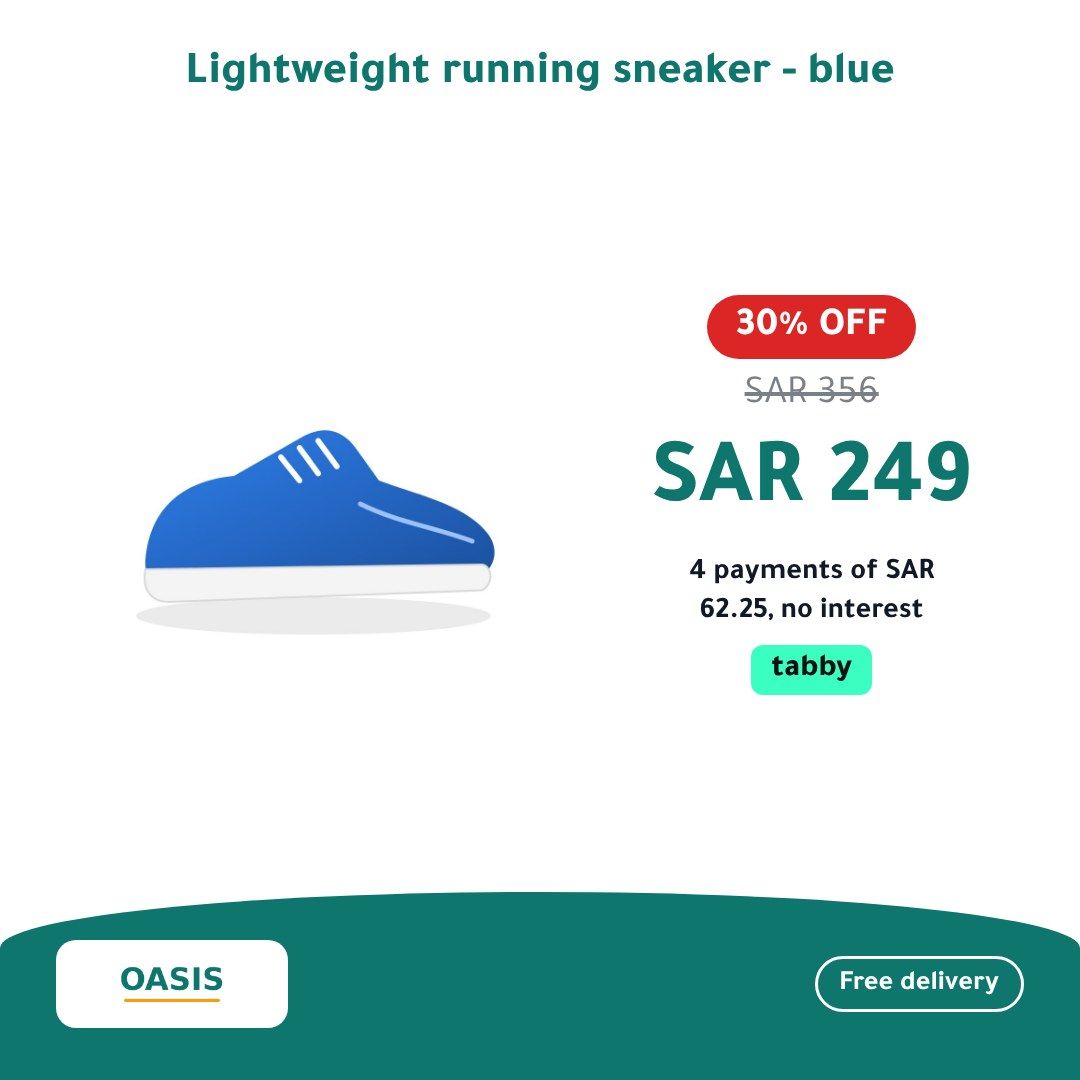
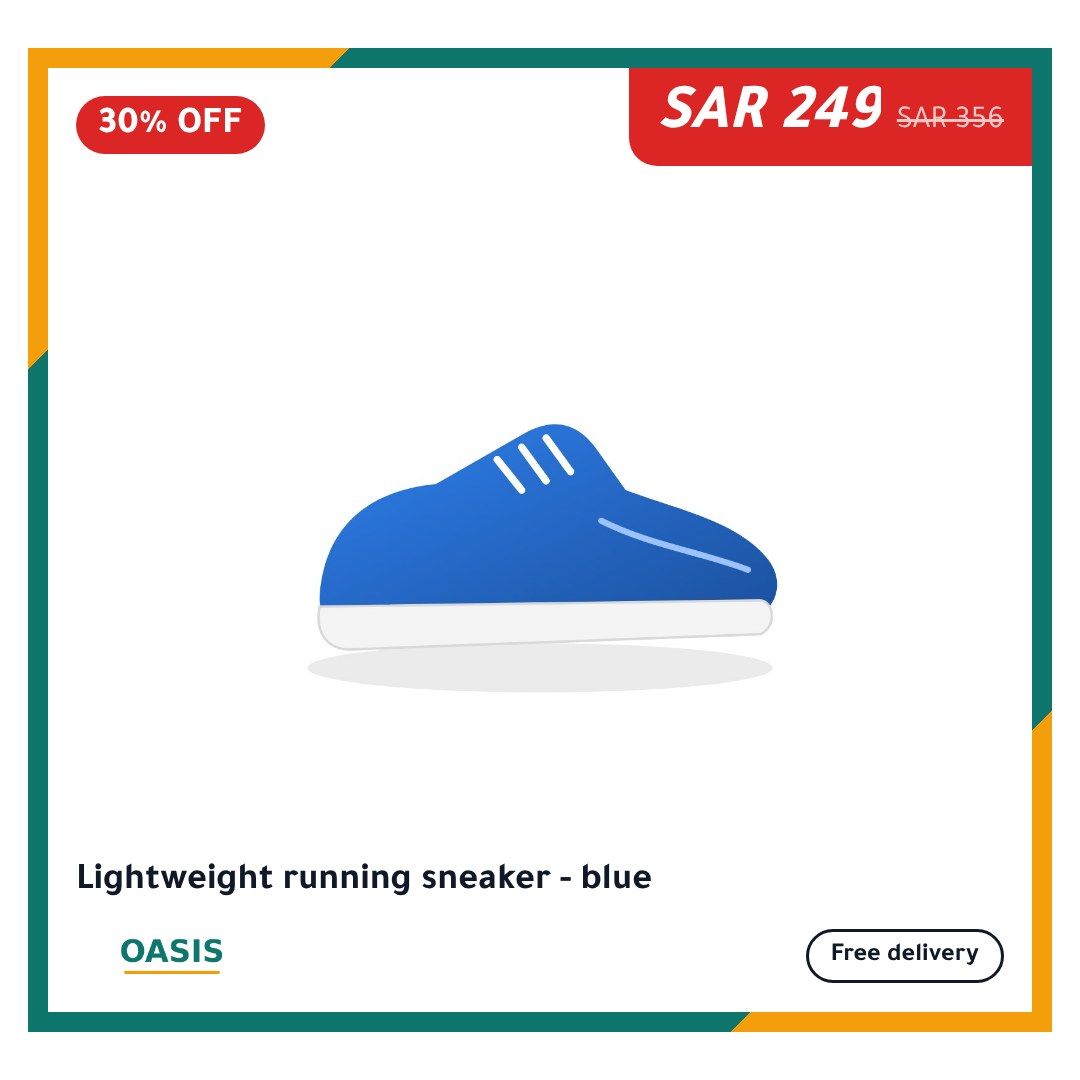
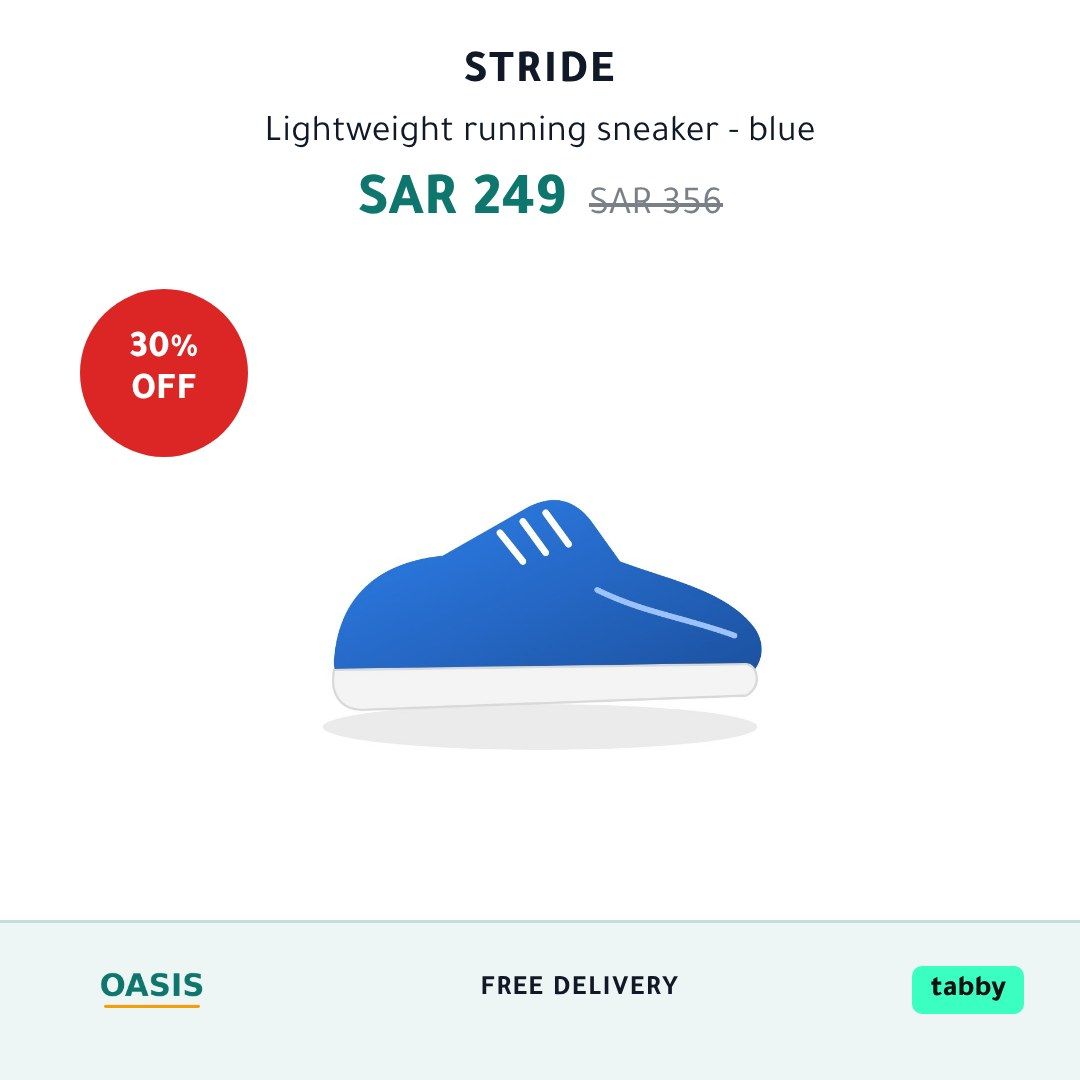
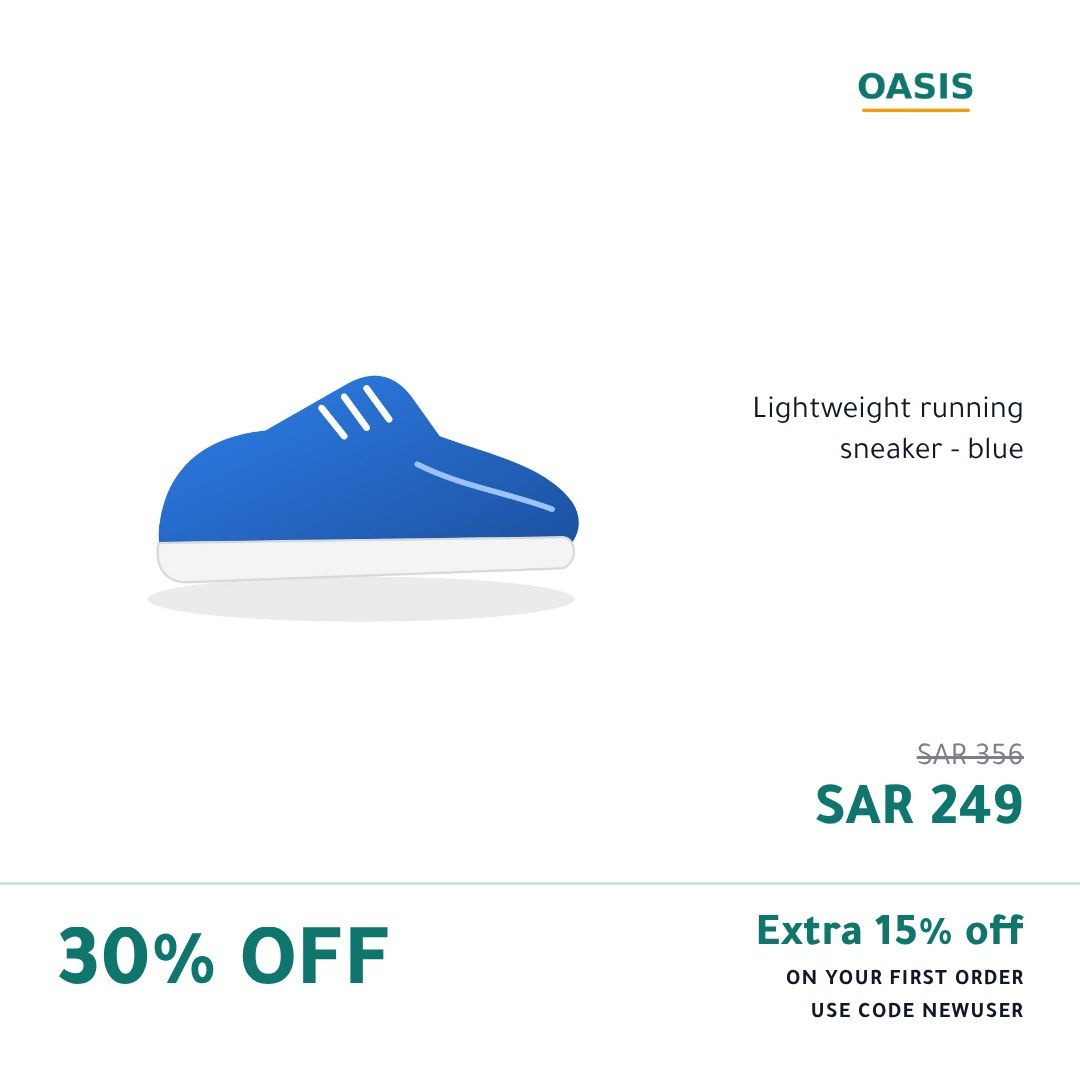
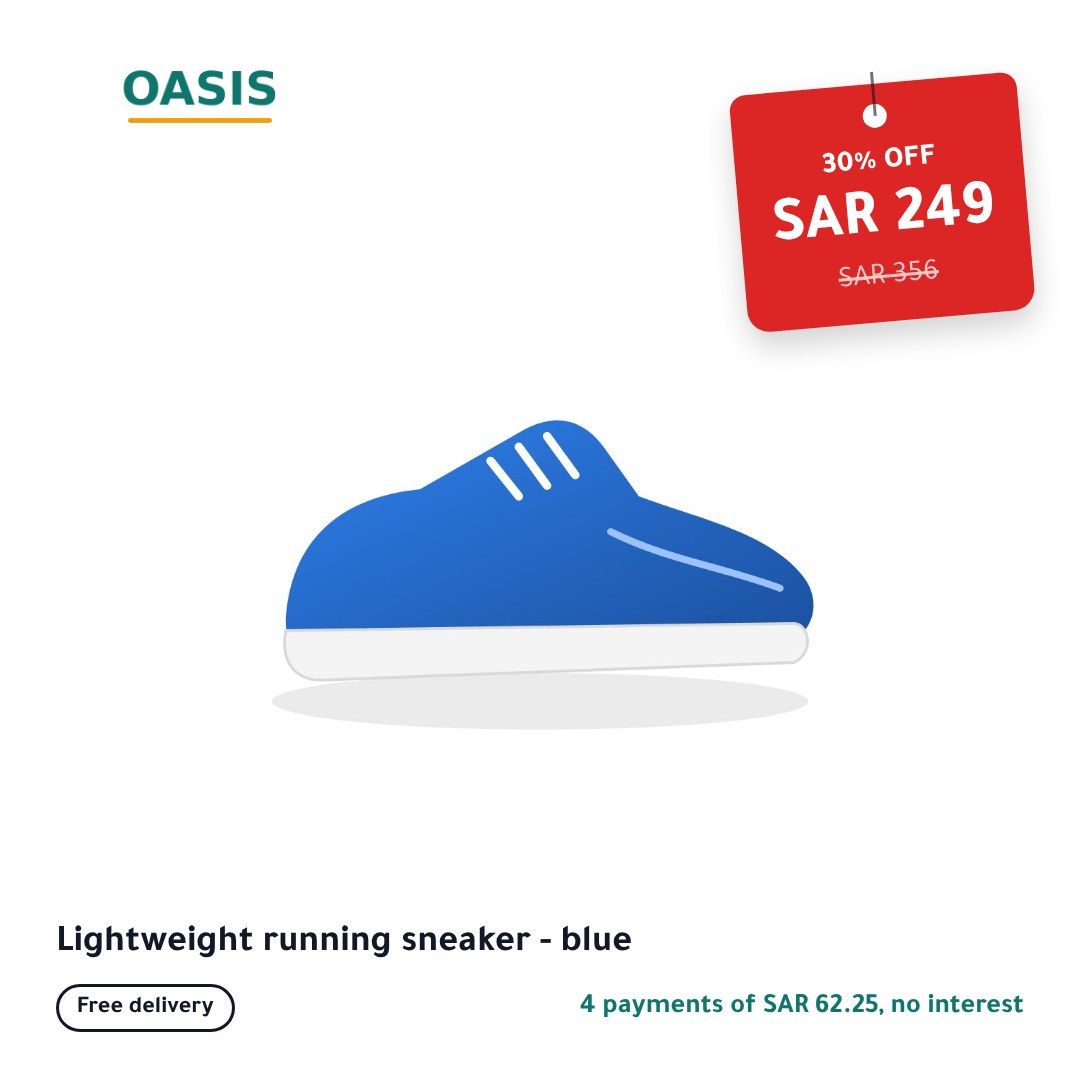
See the 15 built-in templates in every sizeLanguages, digits and currencies
Every channel from one feed
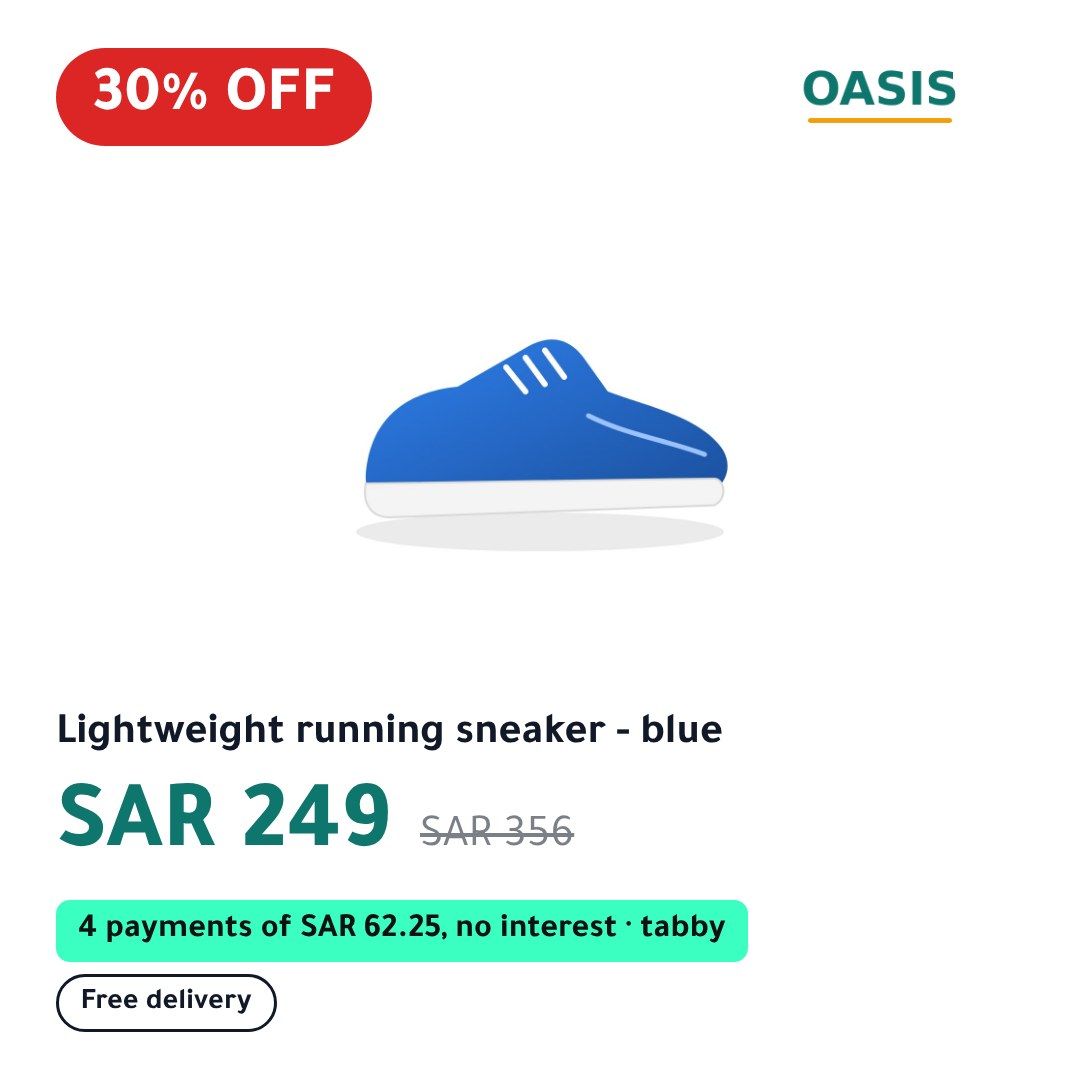
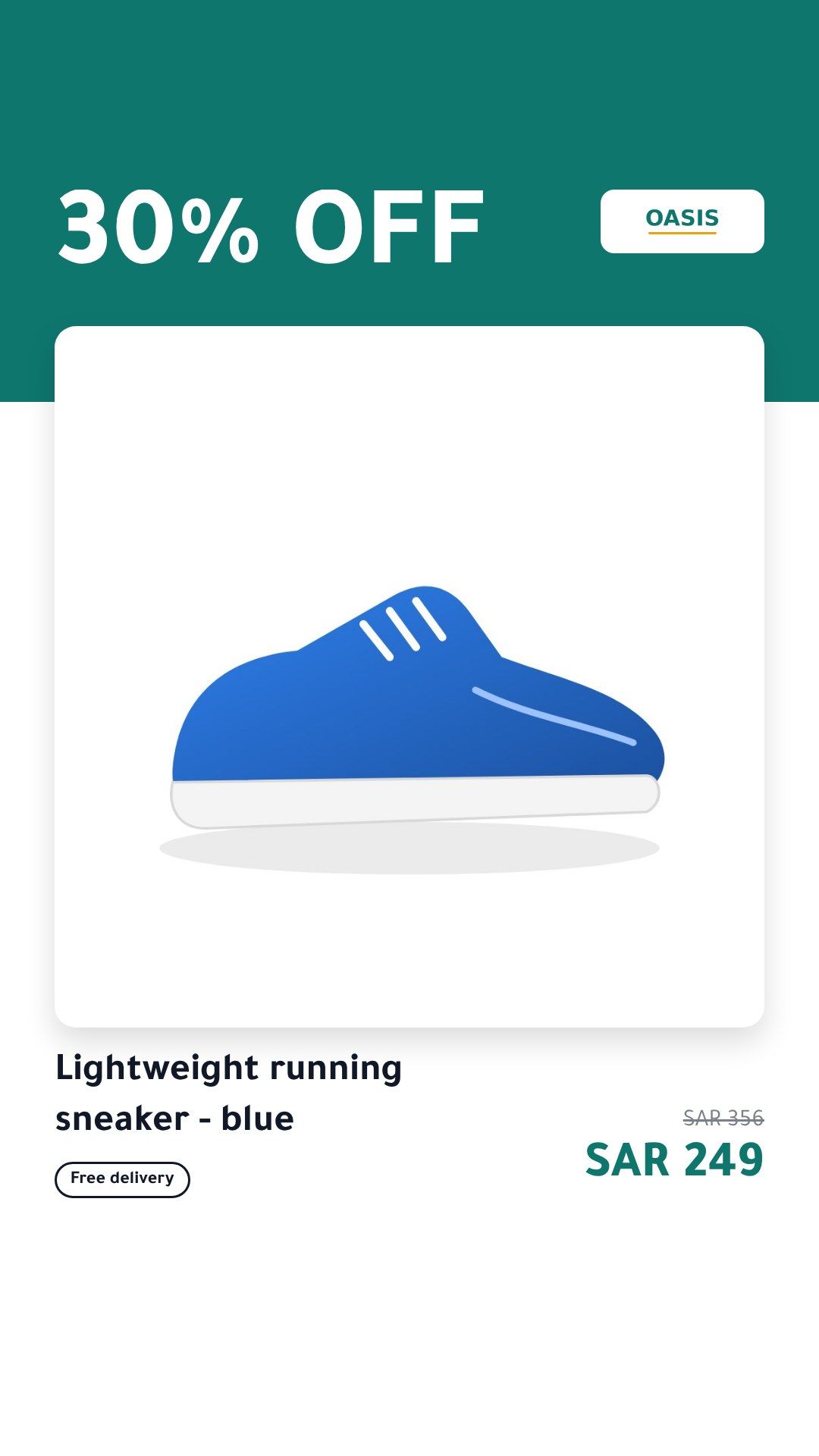
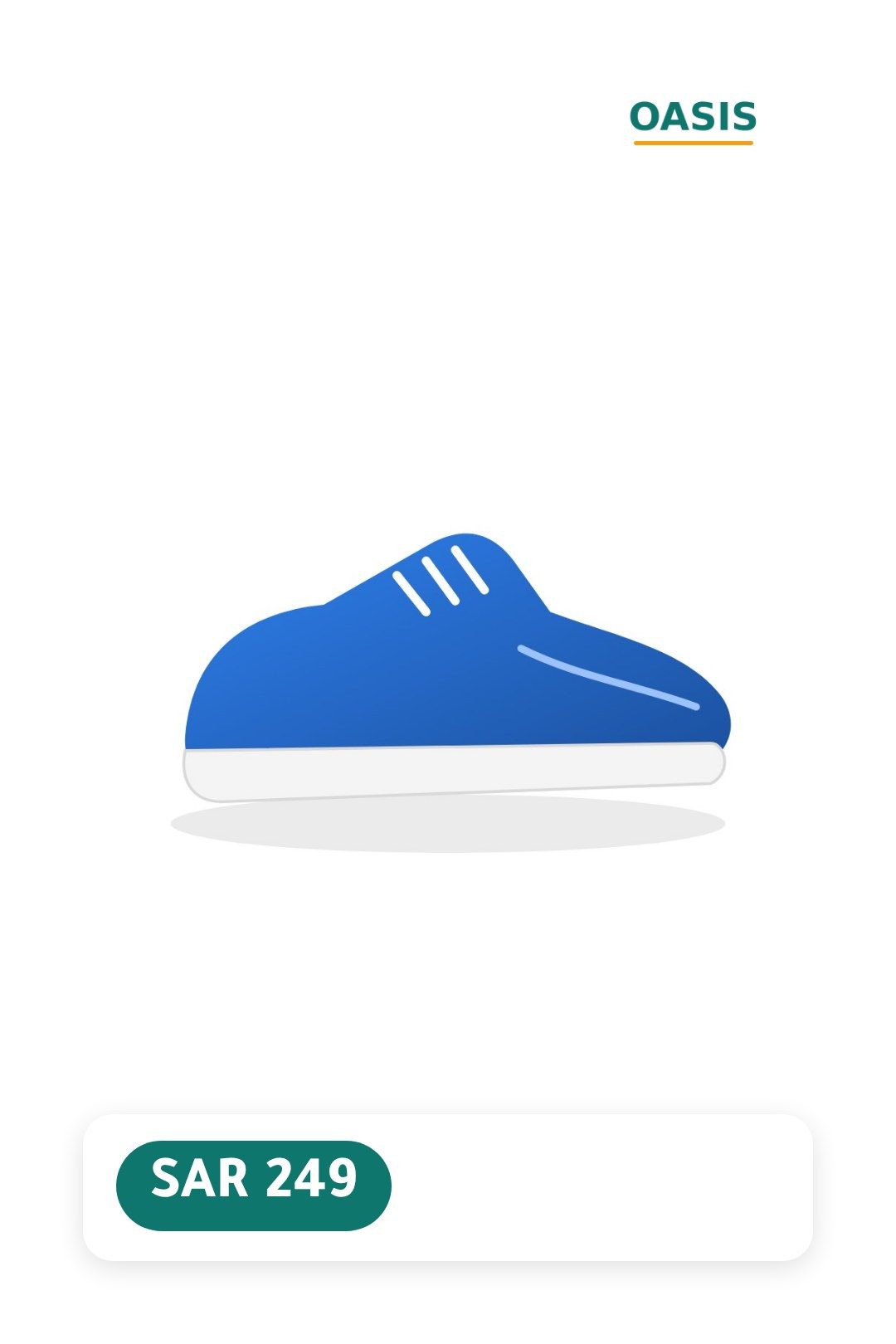
The same product, at the size each channel shows
One feed from your store becomes a catalog feed for each ad platform, with images drawn at the sizes that platform uses: square for Meta, Snapchat and TikTok, with 9:16 added for TikTok’s vertical placements, and 2:3 for Pinterest.
Test and grow
What else runs from the same feed
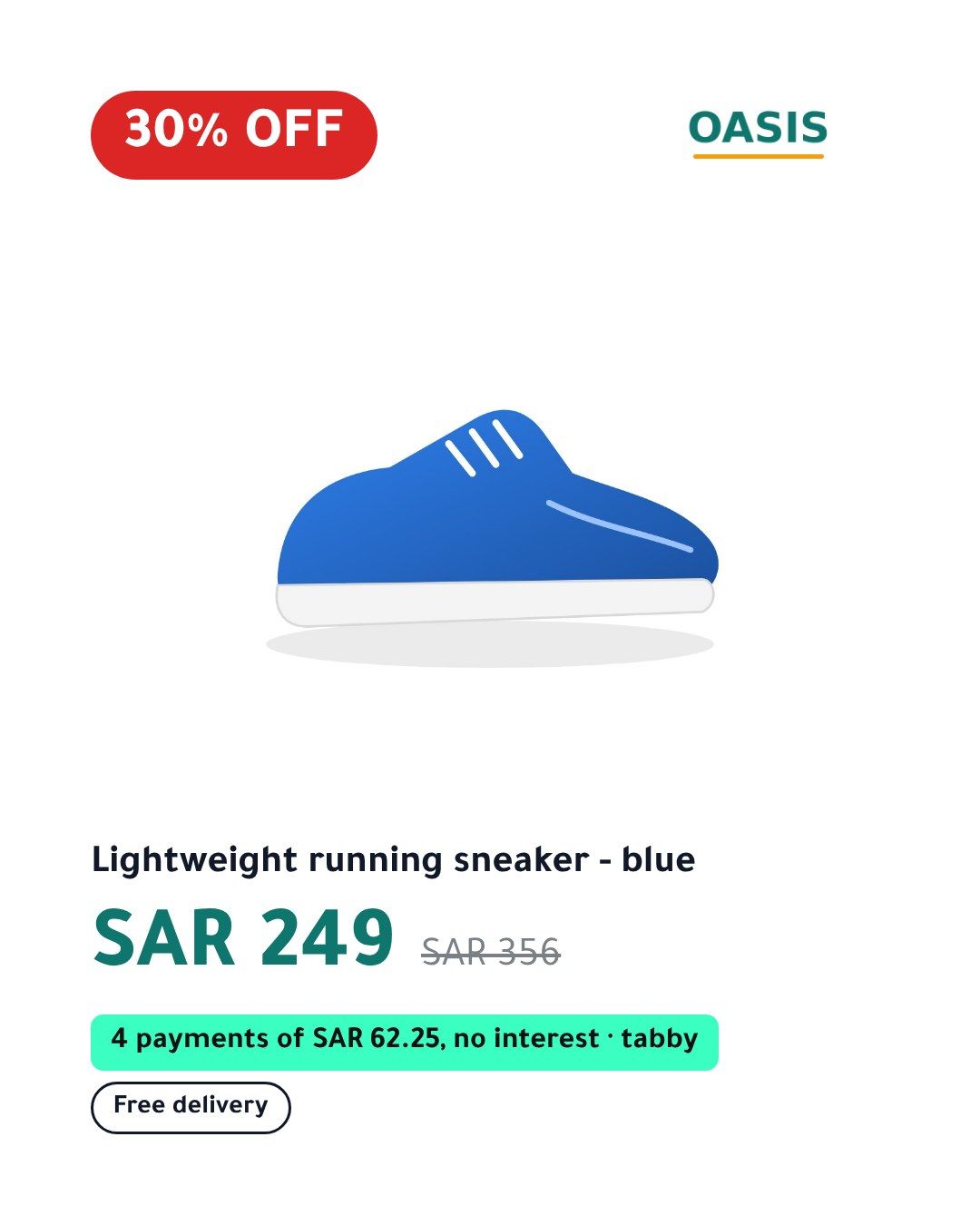
- Design A
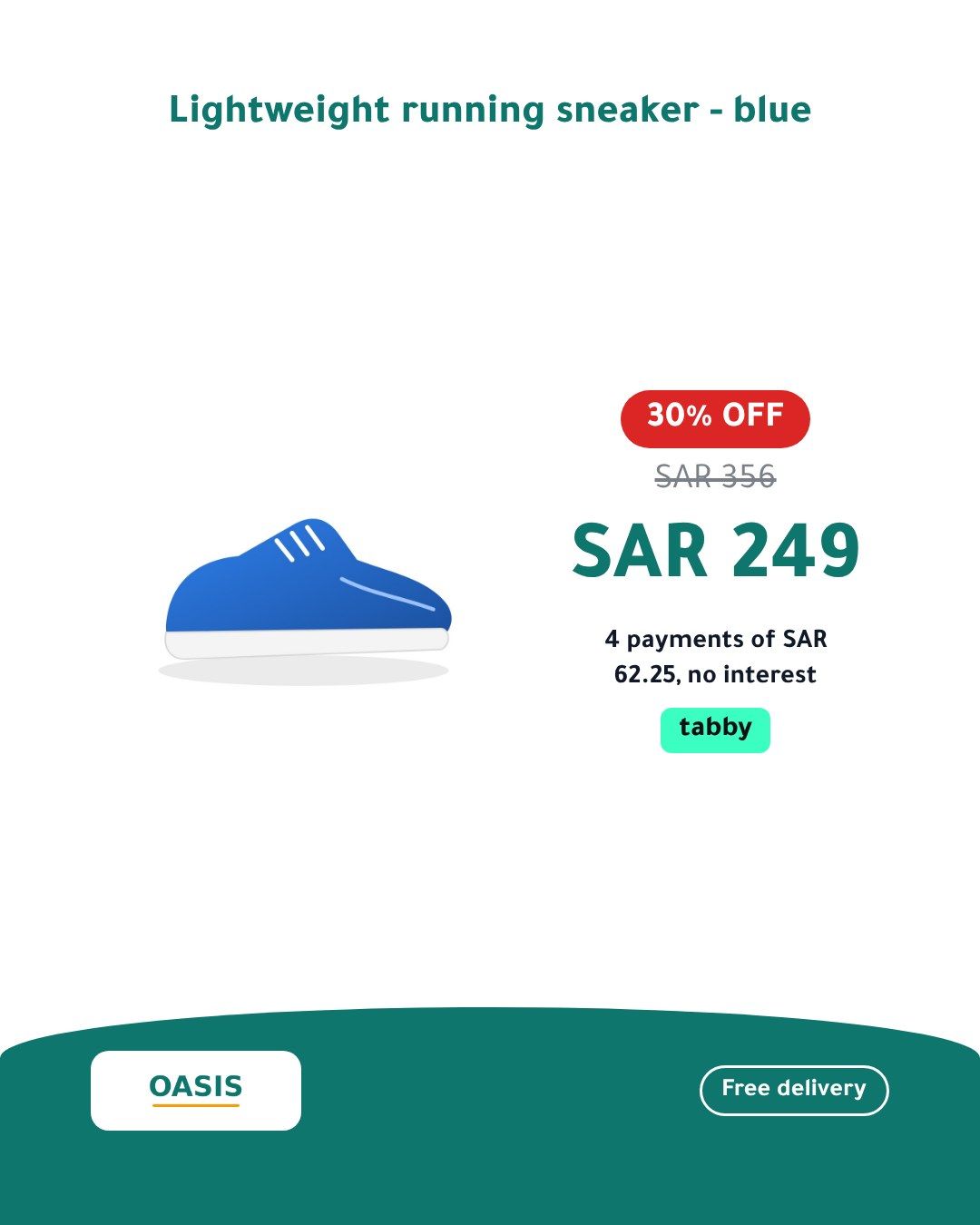
- Design B
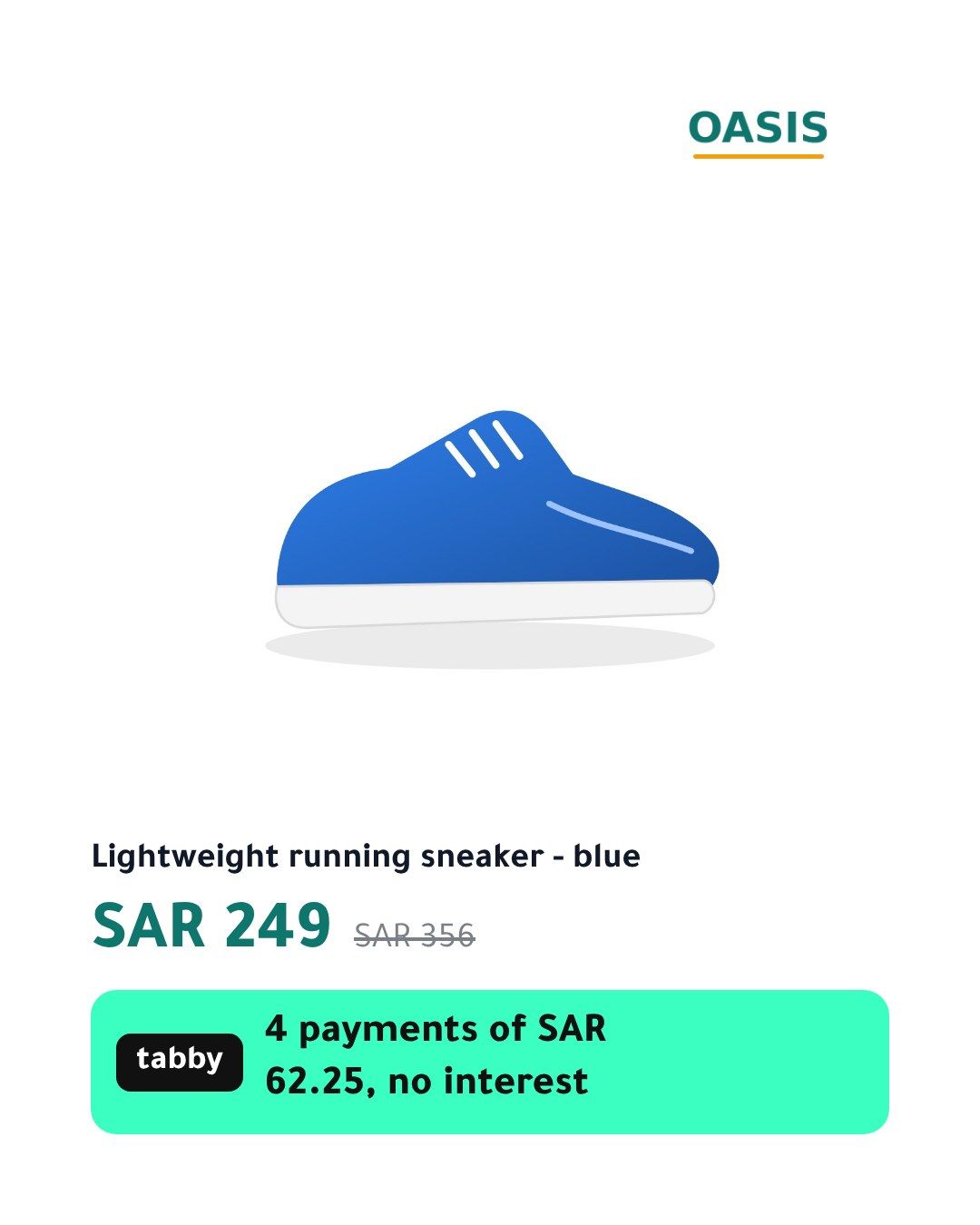
- Design C
Product video
A short video per product, made from your design, for Meta and TikTok video placements. On Pro and Enterprise.
Design variants
Up to three designs side by side, each with its own feed, so you can run them as separate ad sets and keep the winner. On Growth and up.
A feed per country
Selling in several countries? Each market gets its own set of feeds with that country’s prices from your feed. On Growth and up.
Design studio
Build your own design, show a badge only when it applies (red when the discount is 30% or more), and schedule campaign designs on dates.
Background removal
Puts each product on your design’s background. A $29 a month add-on on Starter and Growth, included on Pro and Enterprise.
Short labels and channel titles
Short on-image labels and ad titles written from your product data, which you review before they are used.
The right template for the right product, on schedule
Use a sale template on discounted products and a clean one on the rest. Switch designs for Ramadan, the Eids, White Friday, Black Friday, Singles’ Day, Diwali or your country’s national day, from ready-made seasons for your store’s country, on dates you set in its time zone. Out-of-stock products are left alone.
Safe by design
Four promises the system is built around
Never a wrong price
When a price, a sale or a title changes, your ad shows your own product photo until the new image is ready. It never shows an old image with an old price.
Never breaks your catalog
A product we cannot draw keeps its original image. If a whole update fails, the last good feed stays in place, and we email you.
Only what changed is redrawn
An unchanged product keeps its image. A changed one gets a new image at a new address, which is what makes Meta and Snapchat pick it up.
Your ad account stays yours
We produce feed URLs; you add them to your existing catalog. No access to your ad account, no new catalog, nothing to undo if you stop.
What your ad shows when a price changes
1 · BeforeYour ad shows the image with the old price, 249. 
2 · Price changesUntil the new image is ready, your ad shows your own product photo, never the old price. 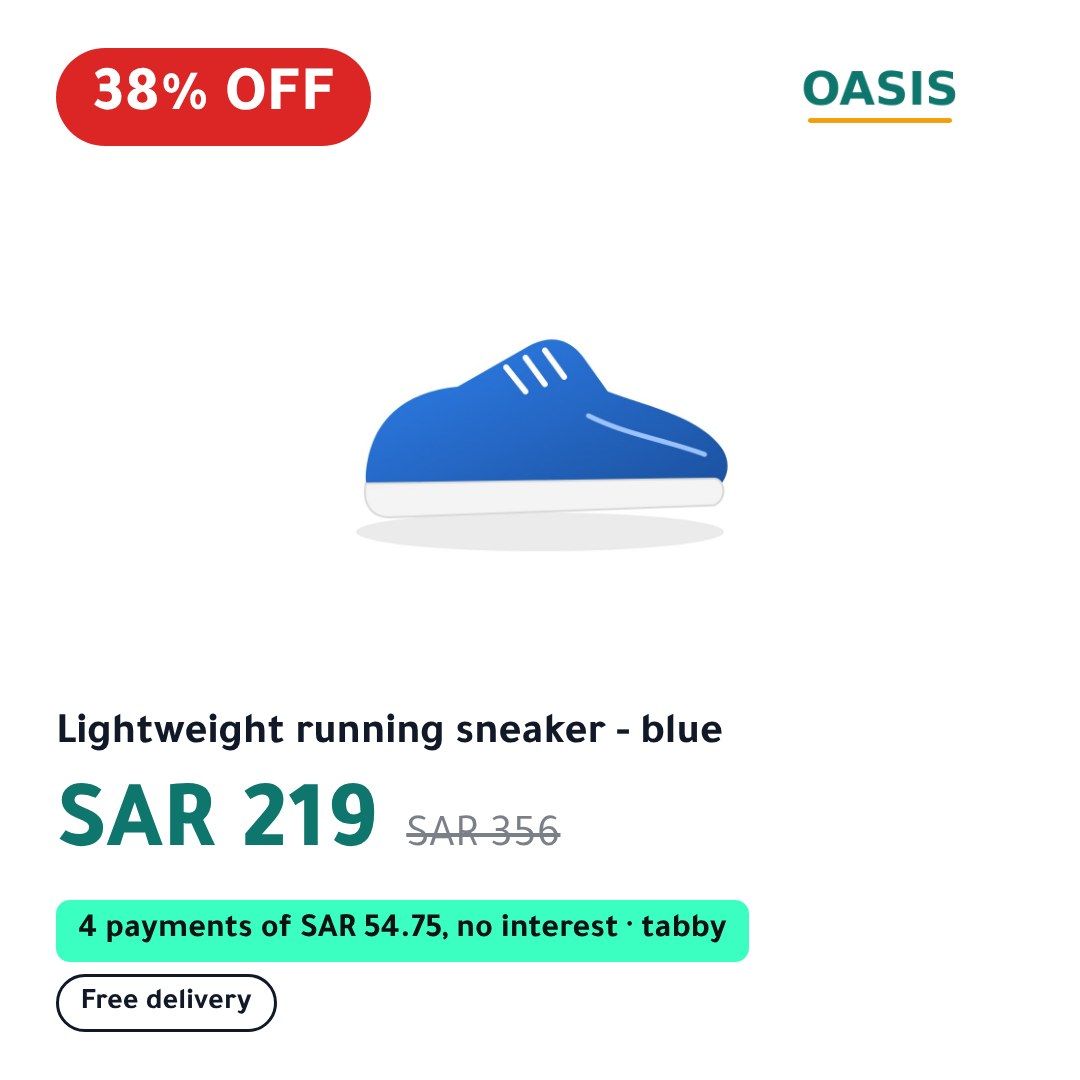
3 · AfterThe new image, with the new price, goes out at a new address.
Questions store owners ask
Do you need access to my Meta or Snapchat ad account?
No. We give you feed URLs and you paste them into the catalog you already have. You can remove them at any time and your catalog goes back to your own images.
Will this replace my current catalog?
No. If your catalog runs on a feed file, you swap its scheduled URL for ours, and every field of your feed is passed through unchanged apart from the images. If your catalog comes from a platform integration such as Shopify’s or Salla’s, you add our feed as a supplementary feed that only changes the images.
How quickly do price changes show up?
We read your feed every hour by default and draw new images only for products that changed. Meta, TikTok and Snapchat then fetch our feed on the schedule you set in their catalog, which we recommend setting to hourly; Pinterest fetches once a day.
What happens if a product photo is broken?
That product keeps its original image in the feed, and the problem shows in your dashboard. The rest of your catalog is not held back.
Is it only for stores in the Gulf?
No. It was built for Salla and Zid stores in Saudi Arabia and the UAE, where Arabic has to be drawn right, and it works for a store in any country: pick your country when you add the store, and its time zone, seasons and pay-later options follow. Plans are priced in US dollars everywhere.
Can I use it for Google Shopping?
No. Google does not allow promotional text on product images, so we produce feeds for Meta, Snapchat, TikTok and Pinterest, never Google. Our docs page “Why not Google” explains it.
CatalogBadge in your market
See your products as branded ads
Start your 14-day free trial with a card (you pay nothing if you cancel before it ends), paste your feed URL and preview your products before anything goes live.