For Salla, Zid, Shopify and Magento stores in the GCC
Branded Arabic catalog ad images for Meta and Snapchat
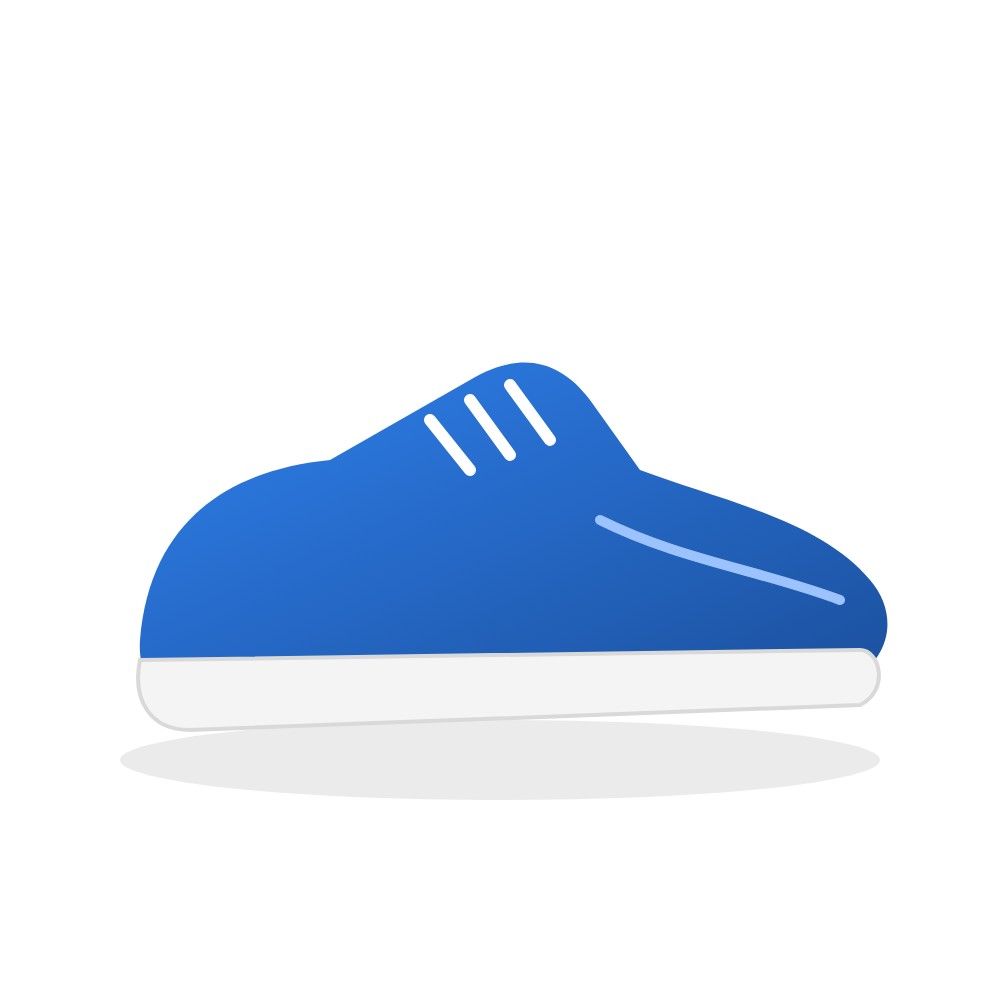
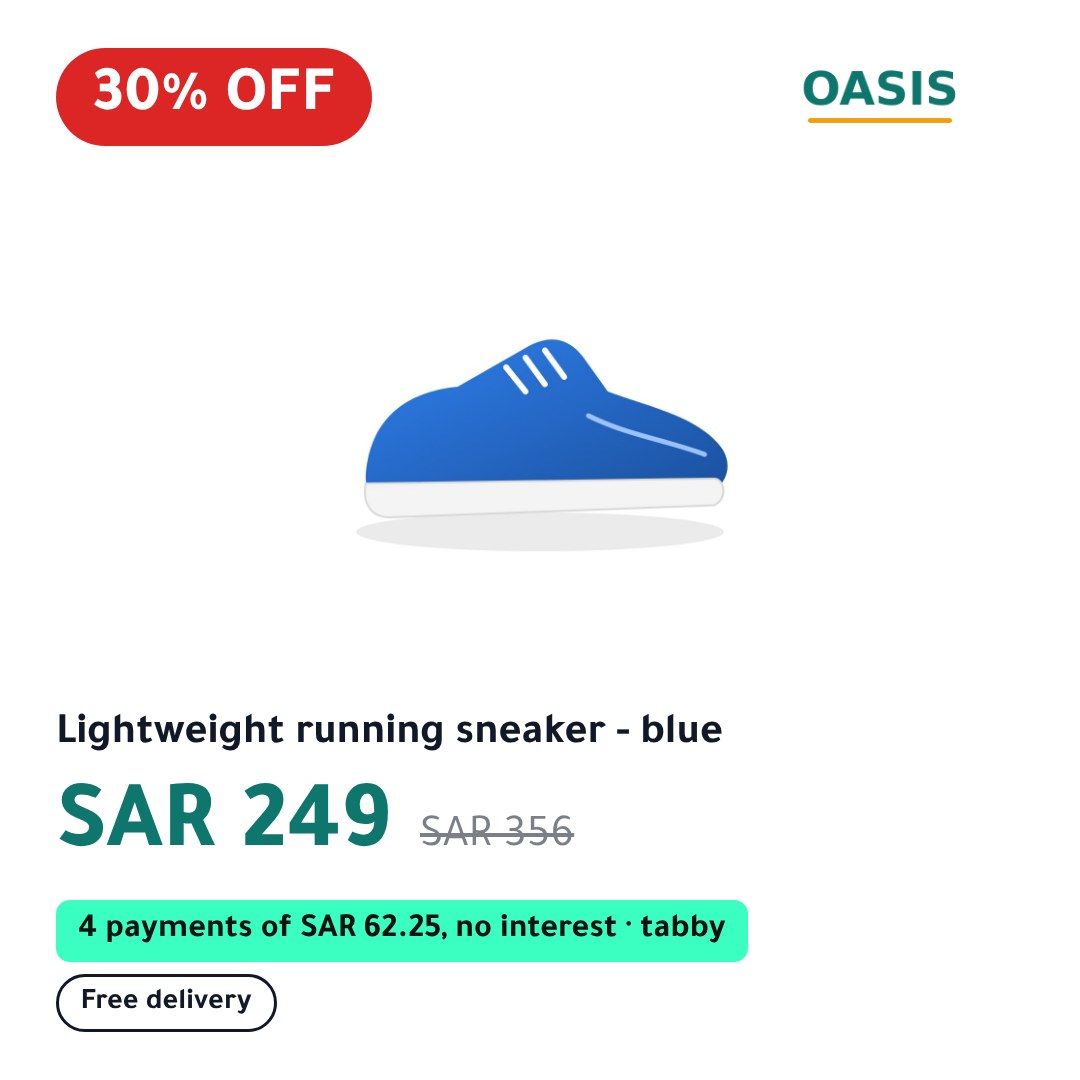
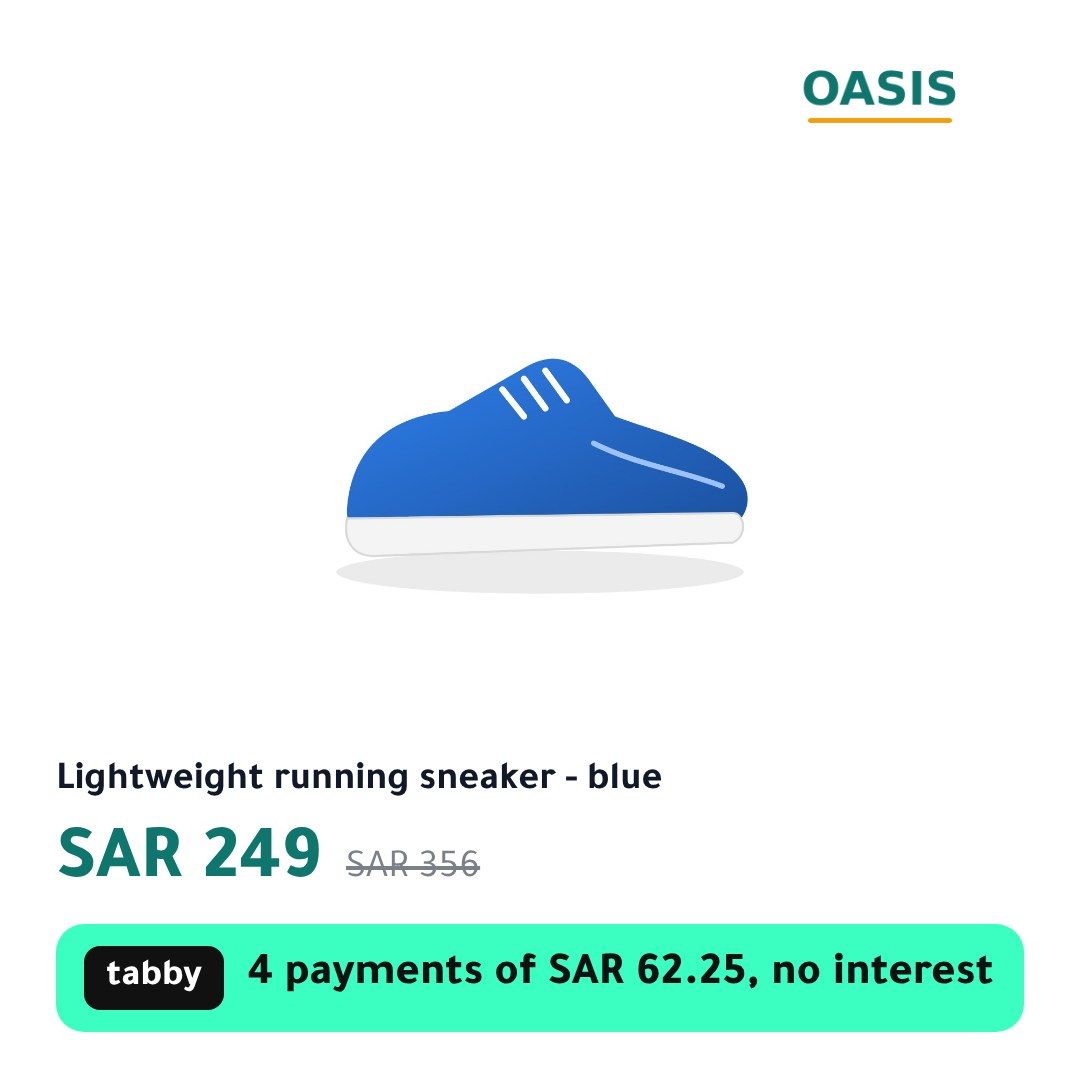
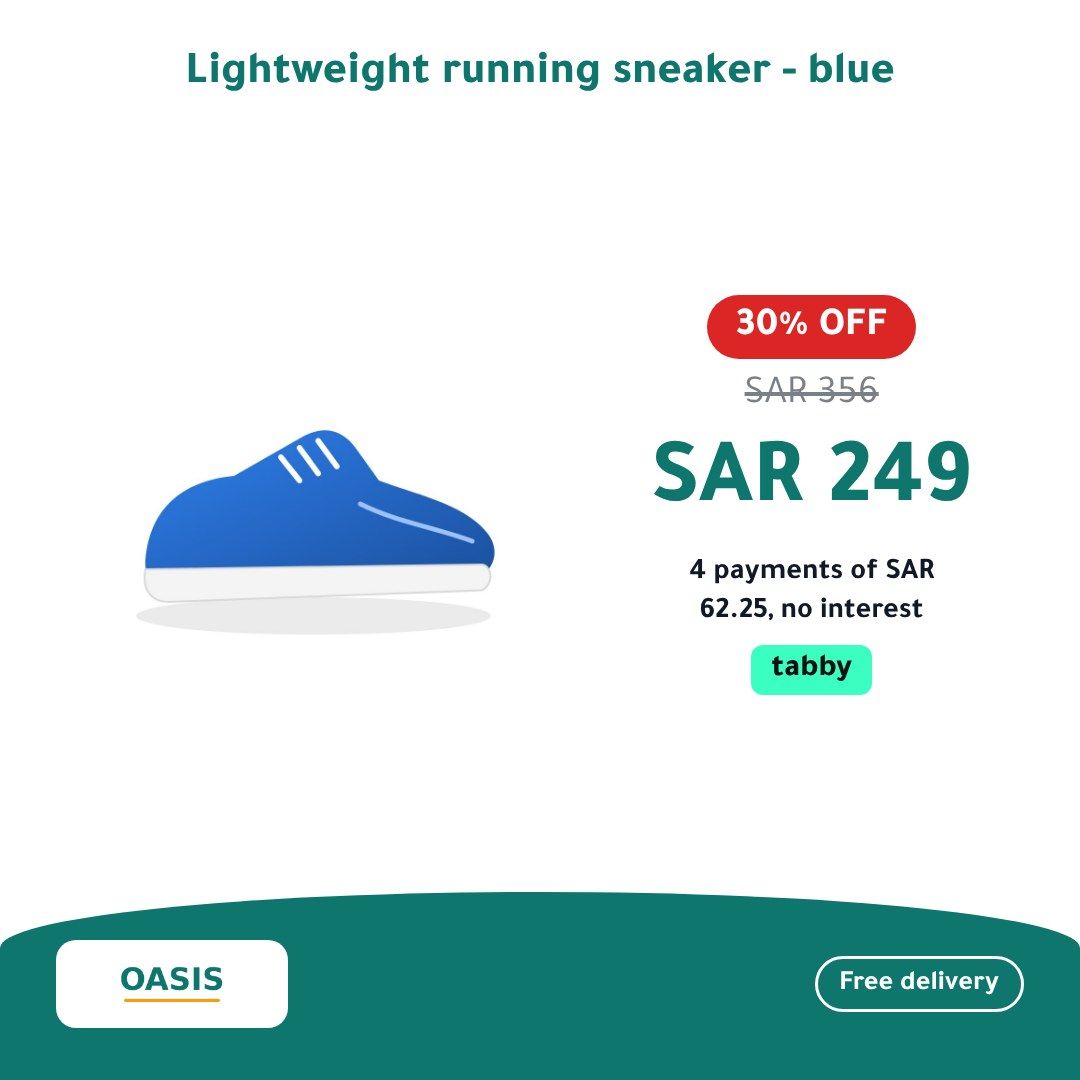
Generated from your product feed and kept up to date. Every product gets your logo, its price, the discount and the tabby or tamara instalment, in Arabic and English.
Works with the feed your store already has
- Salla
- Zid
- Shopify
- Magento
Plus WooCommerce and any feed in Meta or Google Shopping format: CSV, TSV, RSS or Atom.
How it works
Three steps, and your catalog ads look like your brand
- 1
Paste your feed URL
The product feed link from Salla, Zid, Shopify, Magento or your feed app. We read it and show you which products are ready and which have problems.
- 2
Pick a template and your brand
Your logo, colours and font, the badges you want and your tabby or tamara settings. You see the preview on your own products before anything goes live.
- 3
Paste our feed URL into your catalog
In Meta Commerce Manager or Snapchat Ads Manager. Your catalog stays yours: we never touch your ad account and never create a catalog for you.
What goes on every image
- Price and discount
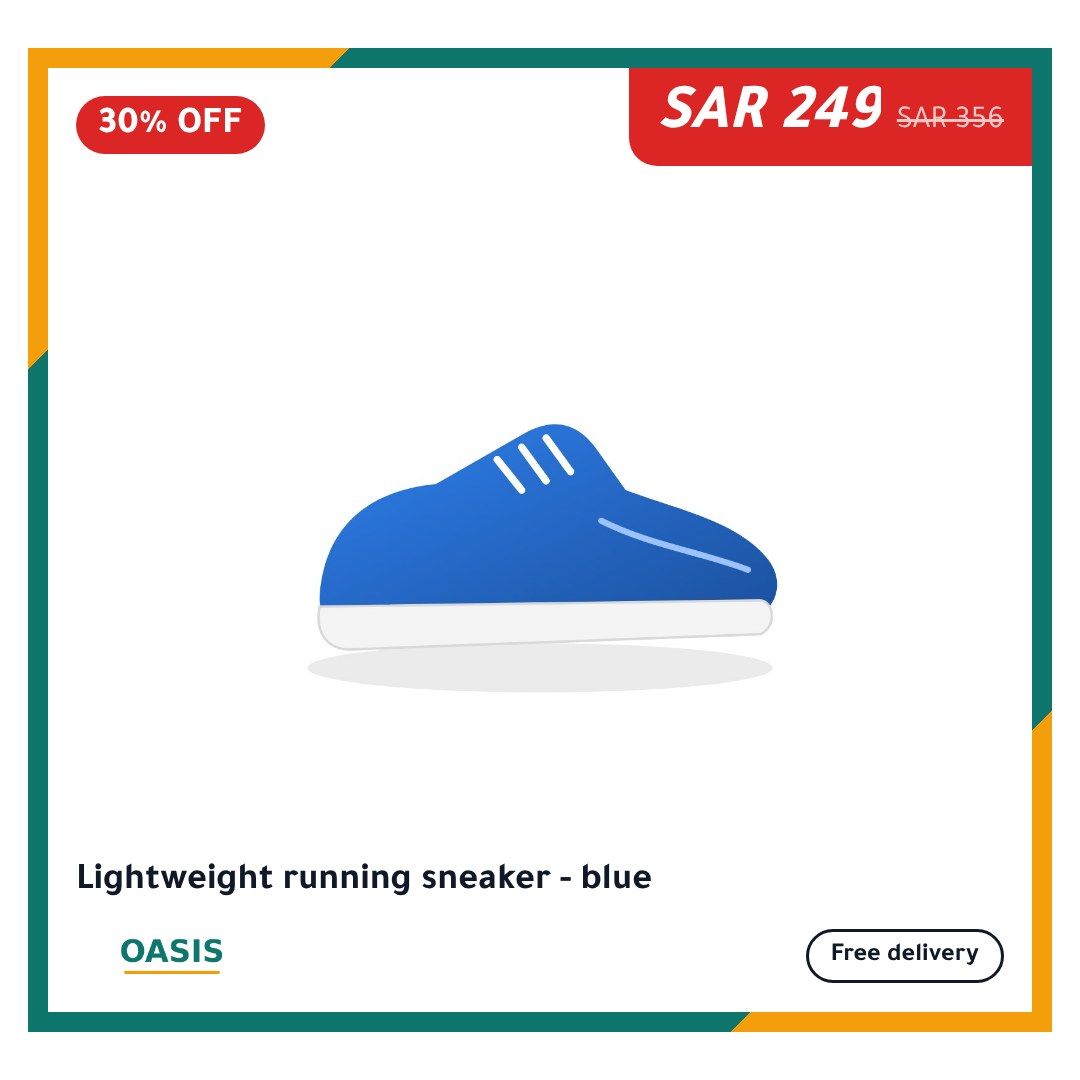
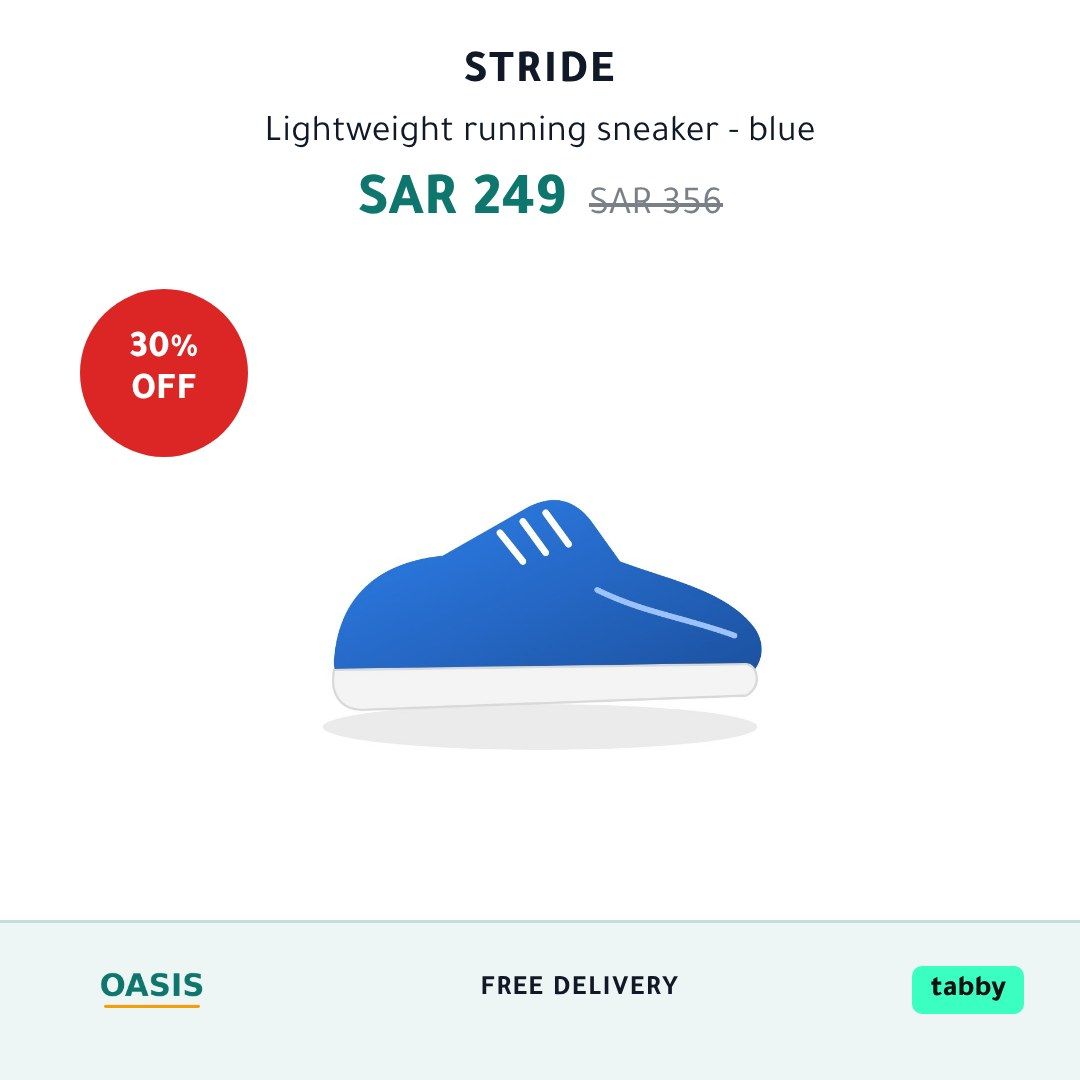
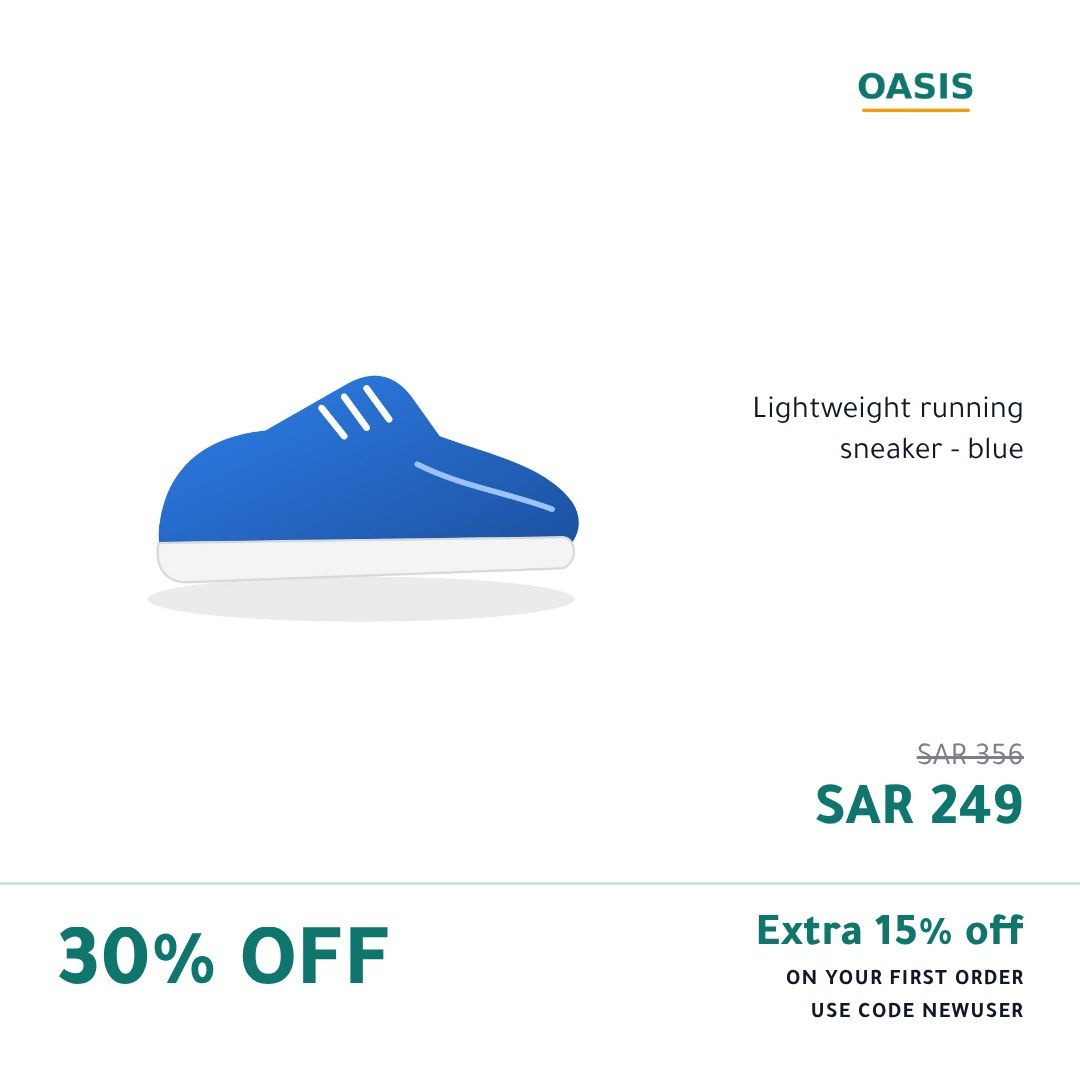
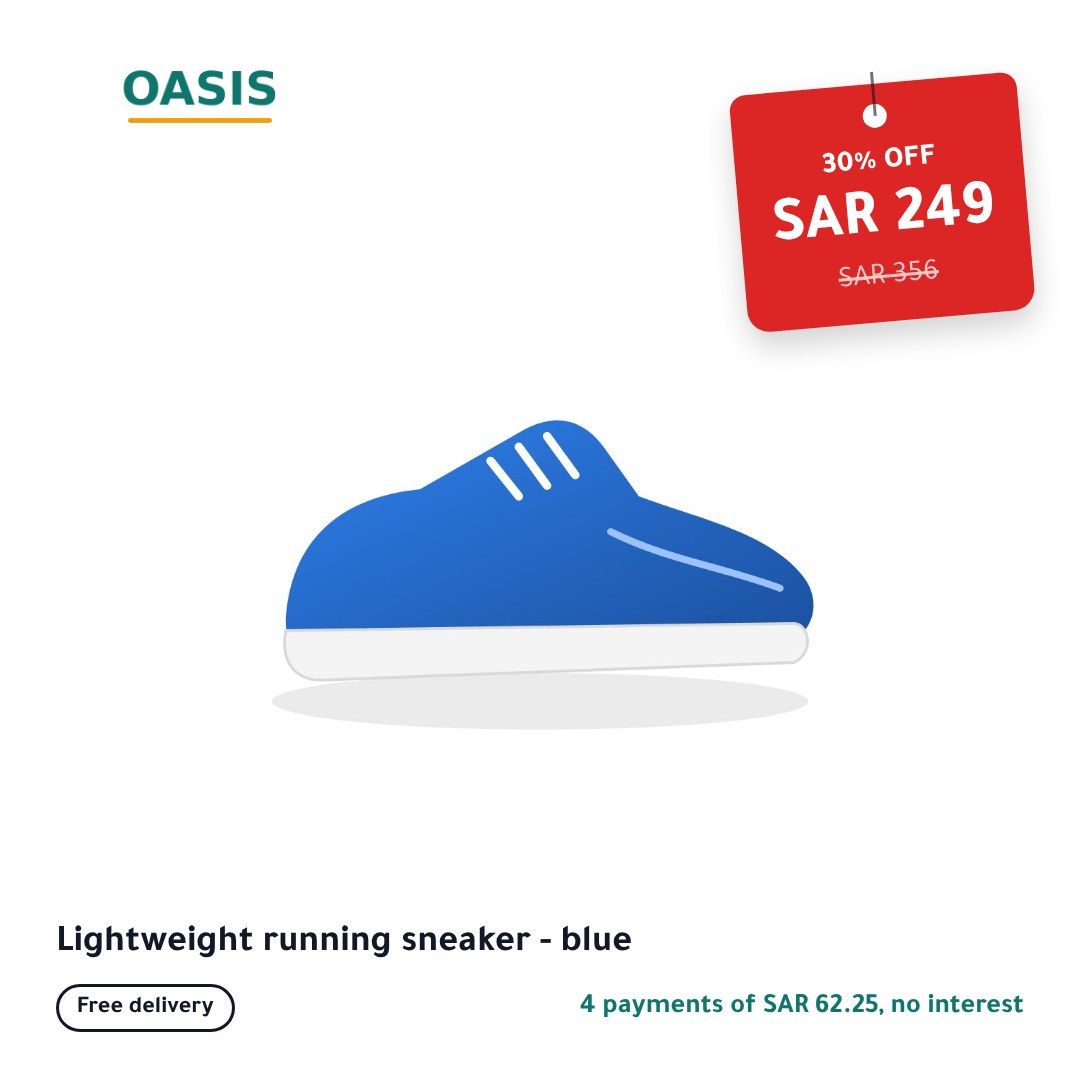
- The sale price, the old price struck through and the percentage off, rounded down so it never overstates the saving.
- tabby and tamara
- The instalment line worked out from each product’s own price and your tabby or tamara limits, for example 4 payments of 62.25 SAR.
- Your brand
- Logo, colours and font on every image, plus free delivery, cash on delivery and promo code badges if you want them.
- Arabic and English
- Arabic laid out right to left with real Arabic typography, and English images too when your feed has English product titles.
- Every GCC currency
- SAR, AED, KWD, QAR, BHD and OMR, with Western or Arabic digits.
- Feeds, Stories and Reels
- Square images for feeds, plus 4:5 and 9:16 sizes that keep badges clear of the app’s buttons.
Templates
15 templates, each in Arabic and English
Real images from our renderer, using a sample store. Yours carry your logo, colours and products.
The right template for the right product, on schedule
Use a sale template on discounted products and a clean one on the rest. Switch designs for Ramadan, the Eids, White Friday or your country’s national day, on dates you set in your store’s time zone. Out-of-stock products are left alone.
Built to be trusted with your catalog
Four promises the system is built around
Never a wrong price
When a price, a sale or a title changes, your ad shows your own product photo until the new image is ready. It never shows an old image with an old price.
Never breaks your catalog
A product we cannot draw keeps its original image. If a whole update fails, the last good feed stays in place, and we email you.
Only what changed is redrawn
An unchanged product keeps its image. A changed one gets a new image at a new address, which is what makes Meta and Snapchat pick it up.
Your ad account stays yours
We produce feed URLs; you add them to your existing catalog. No access to your ad account, no new catalog, nothing to undo if you stop.
Questions store owners ask
Do you need access to my Meta or Snapchat ad account?
No. We give you feed URLs and you paste them into the catalog you already have. You can remove them at any time and your catalog goes back to your own images.
Will this replace my current catalog?
No. If your catalog runs on a feed file, you swap its scheduled URL for ours, and every field of your feed is passed through unchanged apart from the images. If your catalog comes from a platform integration such as Shopify’s or Salla’s, you add our feed as a supplementary feed that only changes the images.
How quickly do price changes show up?
We read your feed every 6 hours by default and draw new images only for products that changed. Meta and Snapchat then fetch our feed on the schedule you set in their catalog, which we recommend setting to hourly.
What happens if a product photo is broken?
That product keeps its original image in the feed, and the problem shows in your dashboard. The rest of your catalog is not held back.
Can I use it for Google Shopping?
No. Google does not allow promotional text on product images, so we only produce feeds for Meta and Snapchat.
See your products as branded ads
Create an account, paste your feed URL and preview your own products before anything goes live.
Get started