Design your own catalog ads, on your own products
Move the logo, the price and the badges where you want them, upload your own badge art, and see the result on your real products before anything goes live.
Plan: On every plan
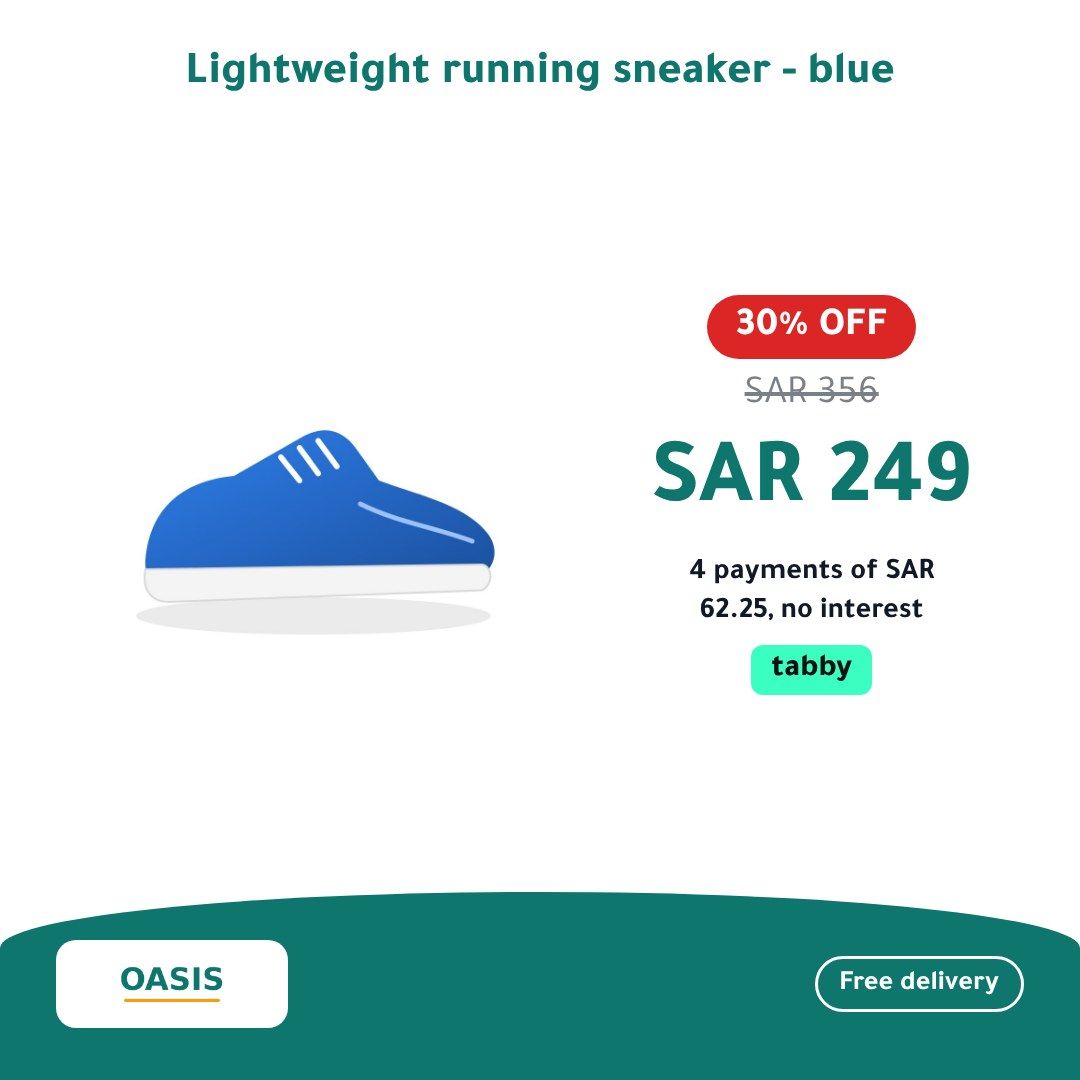
The editor
- Place your logo, product title, price, old price, discount, badges and promo band, and set their sizes, colours and fonts.
- Upload your own badge artwork.
- Preview the design on your store’s own products in Arabic and English.
- Before it saves, a fit check runs the design against your longest product title. A layout too tight for it is refused with the reason, so no title gets cut off in an ad.
Conditions on any element
Show, hide, recolour or change the text of an element when a condition holds: the discount, a label, stock, a price band or the store’s country. For example, a red badge when the discount is 30% or more and the usual colour below that.
Photos and ratings
- Choose which of a product’s first four photos to use, for every product or by rule.
- Two-photo and photo-grid layouts. A product without a second photo falls back to the single-photo layout, never a blank space.
- Review stars from your feed’s product_rating column or any column you map, in half stars from 0 to 5. A product with no rating shows no stars and no gap. Nothing is fetched from a review site.
Campaign designs on dates
Schedule a design for a sale: typed dates or a season preset, for all products or one segment. It goes first in your rules, the dashboard lists it as upcoming, live or ended, and you can end it early.
Short labels and channel titles
Switched off until you turn it on. It proposes a short on-image label and an ad title per channel from each product’s own title, brand and description. Proposals never contain prices, numbers or offers, and nothing is used until you accept or edit it.
- Design studio and campaign designs
- Conditions per element
- Photo choice and two-photo layouts
- Review stars
- AI labels and channel titles
All features
- A product video for every item in your catalog
- Test up to three designs on the same products
- A set of feeds for every country you sell in
- Every product on your design’s background
- The instalment amount on every product image
- Sale seasons for your country, on time
- Your catalog ads in your customers’ language