tabby and tamara instalments in TikTok catalog ads
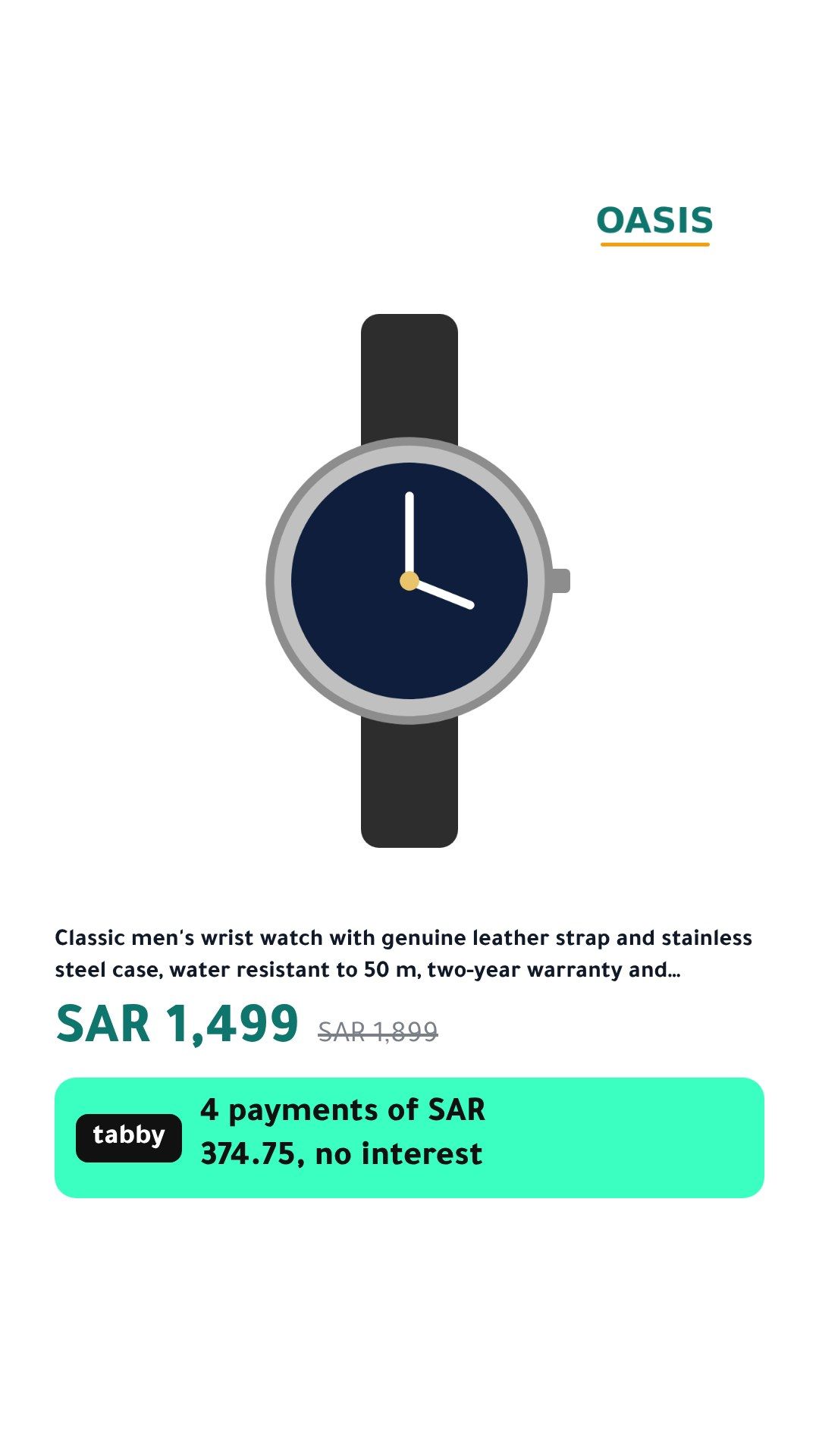
TikTok catalog ads are watched full screen on a phone, so the instalment has to sit where TikTok’s caption and buttons do not cover it. CatalogBadge writes a TikTok file whose images carry the tabby or tamara line, including a 9:16 render laid out for the screen.
Put it in TikTok
File to paste: tiktok-full.csv
- In TikTok Ads Manager, open Assets, then Catalogs, and choose the catalog your catalog ads use.
- Add products with a data feed schedule and paste our TikTok file’s URL.
- Choose hourly and the Replace update method, so a product that leaves our file leaves the catalog with its old instalment.
- Turn on 9:16 in Rules. TikTok gets the 1:1 image first and the 9:16 render as an additional image; the designs at 9:16 leave safe zones at the top and bottom of the screen, where apps put captions and buttons.
- On Pro, each product also gets a short video made from its branded image, so the video shows the same price and instalment as the picture, never a different one.
- TikTok has no supplementary feed, so our file is your whole TikTok catalog. TikTok pauses catalog updates after 28 days without catalog ad spend; restart spend and the line catches up on the next run.
Set up the instalment line in CatalogBadge
- Open your store in CatalogBadge, then Brand, and find the Buy now, pay later box. Add tabby, tamara or both, in the order you want them shown.
- Set the number of instalments (4 unless you change it) and the smallest and largest order your merchant agreement allows. tabby and tamara agree limits per merchant, so use yours.
- Pick a design that shows the line: the bnpl template leads with it, and sale, split, header, ribbon and tag carry it below the price. Preview it on your own products in Arabic and English.
How the amount on the image is worked out
- The price shown, sale price included, divided by the number of instalments and rounded up, so the line never shows less than a shopper pays. A price that does not divide evenly carries “approx.”.
- A product priced outside your minimum or maximum shows no instalment line at all.
- With both providers on the same number of instalments, one line carries both names; each name sits on its provider’s own colours.
- When the price changes, the product shows its own photo until the new image is ready. It never shows an old instalment.
Pinterest is left out on purpose: its 2:3 image drops the instalment line, because Pinterest asks for calm images with little text on them.
Questions
Will the instalment line be readable on a phone?
The bnpl template prints it in large type under the price, as in the image here. The preview in CatalogBadge shows your own longest titles at 9:16, so you see the tightest case before anything goes live.
Can I run TikTok and Meta from the same setup?
Yes. One store in CatalogBadge writes both files from the same designs and the same pay-later settings, on every plan.
- Pay-later instalment line
- TikTok catalog feed