Salla to Pinterest: branded catalog ad images
Salla stores get branded Pinterest images by giving CatalogBadge their Salla catalog link, turning on the 2:3 size and adding our pinterest-full.xml as a Pinterest catalog data source. Pinterest then reads a tall image drawn for Pins. CatalogBadge plans start at $49 a month in US dollars, and your feeds carry your own photos until a plan or free trial is active.
Step 1: get your product feed from Salla
- In your Salla dashboard, open Marketing, then Pixels & feeds (Tracking tools on some dashboards), and choose Catalog.
- Pick the language and currency and generate the link. Salla makes one link per language and currency and keeps it current as you edit products.
- Start with the language most of your titles are written in, usually Arabic, and copy the link.
Salla’s catalog link already carries prices written as 249 ر.س or SAR 249.00, in Western or Arabic digits, and we read them exactly. A second link in English later gives you English images too. The link generator needs a paid Salla plan (Plus, Special or Pro): on the free Basic plan it is locked, so a Basic store waits for the CatalogBadge Salla app.
Step 2: add the feed to CatalogBadge
Create your account, choose Onboard a store and paste the feed URL. The wizard shows sample products with their prices before anything is saved, then you pick your designs, check them in the preview and go live. Create your account
The Salla setup guide has every screen of the wizard.
Step 3: put pinterest-full.xml into Pinterest
Which file you paste depends on how your Pinterest catalog gets products today:
| Your Pinterest catalog today | Paste | What you do |
|---|---|---|
| Reads the Salla catalog link as a data source | pinterest-full.xml | Replace the Salla link with ours, so the catalog has one source for each product. |
| No Pinterest catalog yet | pinterest-full.xml | Create a catalog in Pinterest Ads and add our file as its data source. |
In Pinterest
- In CatalogBadge, open Rules, then Sizes and language, and turn on the Pinterest 2:3 size. Without it the Pinterest file carries your own photos.
- In Pinterest Ads, open Catalogs and add a data source.
- Paste your pinterest-full.xml URL. Pinterest also takes the CSV twin; use one of them.
- Pinterest reads the file once a day, so a price change reaches Pinterest on its next daily fetch.
The image Pinterest gets
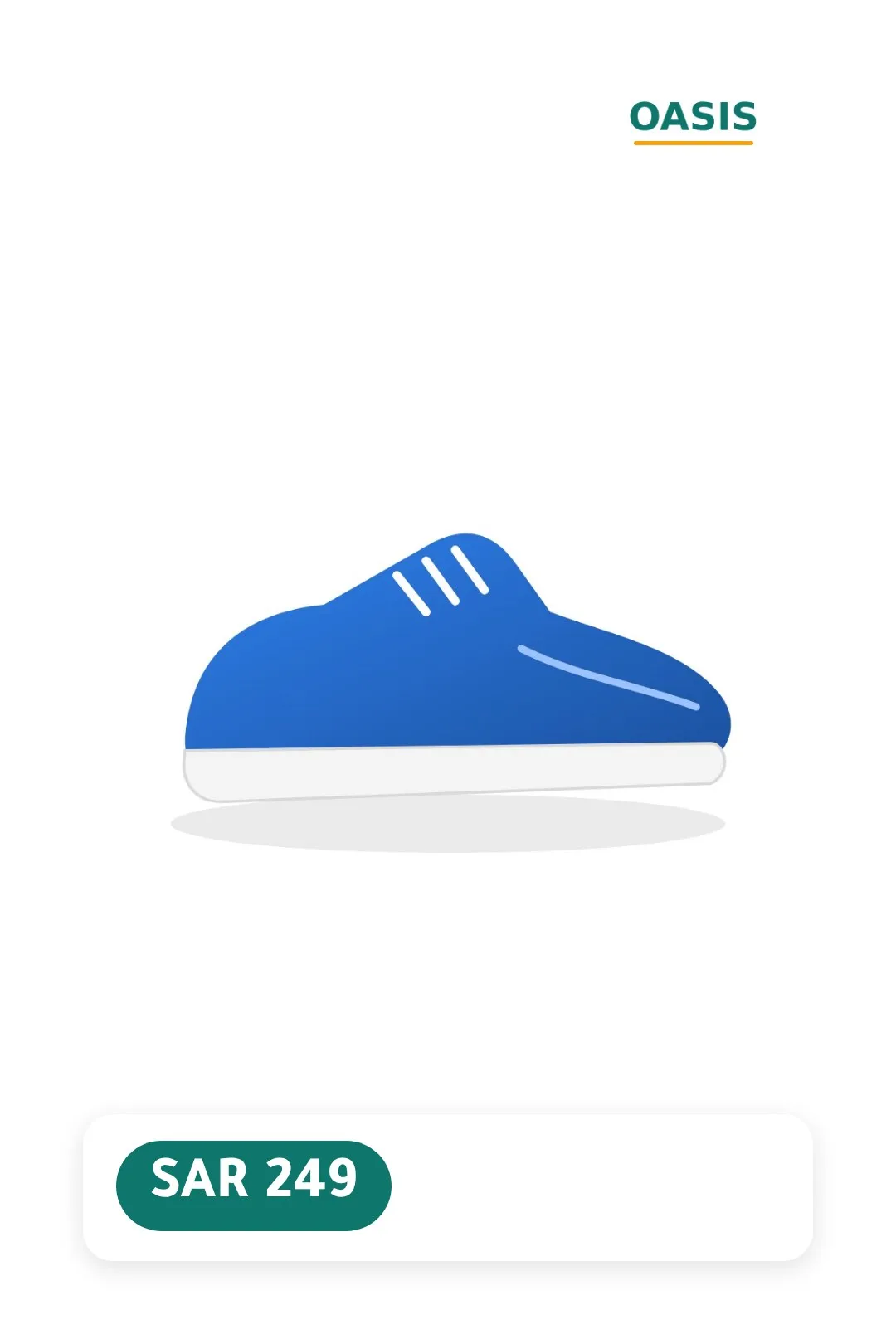
Pinterest gets only the 2:3 render, at 1080 × 1620, never another size. Its ad rules ask for at least 1000 × 1500 and refuse images packed with text and discounts over 90 %, so a calm design like the one shown suits it best. Additional images are your own photos, at most ten.
Watch out
Pinterest does not run ads in every country. Check in Pinterest’s help centre that its ads reach the countries you sell to before you spend time on the catalog; the organic Pins still show your branded image either way.
Selling in Saudi Arabia
Prices stay in riyals exactly as your feed writes them, the discount badge rounds down, and a tabby or tamara line can show the instalment on the image.
Season presets for Saudi Arabia, such as White Friday, Ramadan, Founding Day and Saudi National Day, switch your designs on the dates you choose.
Check that it worked
- The Overview page lists the products in the Pinterest file and when Pinterest last fetched it.
- In Pinterest Ads, the data source shows its last update and any errors.
- Open a Pin of a product you expect to be branded and check the 2:3 image.
Questions
Does Pinterest get Arabic or English images?
The language of your main Salla link, the same as your other channels. Our Arabic is drawn by Chromium with full letter shaping, so the price and title read right on the Pin.
Do I need a Salla app for this?
No, on a paid Salla plan. The catalog link Salla generates is all CatalogBadge reads today. A CatalogBadge app for the Salla App Store is built but not listed yet; until it is, the link is the way in.
Stuck on a step? Write to us with your store name and the guide you followed. hello@catalogbadge.com