Seasonal playbooks · Seasonal playbook
Ramadan 2027 catalog ads: a setup checklist for Gulf stores
What to prepare before Ramadan 2027 so your catalog ads switch to the right designs on time, in Arabic and English, without a late-night manual change.
By CatalogBadge team · Published · 3 min read
Ramadan 1448 is expected to begin around 8 February 2027, with Eid al-Fitr around 10 March, both subject to the moon sighting. For most Gulf stores it is the biggest selling month of the year, and the evenings after iftar and the late nights before suhoor are when shoppers scroll. Catalog ads are well suited to it, because they show each shopper the products they looked at, with the current price.
The work that decides whether your Ramadan catalog ads look right happens in January, not on the first night. Here is the checklist we use.
Six weeks before: decide the offer and the design
- Pick your Ramadan design. A seasonal look is a design that switches on and off by date. Build it now, preview it on your real products, and leave it scheduled.
- Decide what the image says. Discount percentage, instalments, free delivery, a promo code: choose two at most. An image that says everything says nothing on a phone screen.
- Check the long titles. Arabic product titles are often longer than English ones. Preview your longest titles in Arabic at every size you use, and shorten the worst ones in your store before Ramadan, not during it.
Four weeks before: schedule it
- Schedule the switch in your store’s time zone. Set the Ramadan design to start on the evening Ramadan is expected to begin, and the Eid design to follow it. A schedule runs on time at the minute you set, in your store’s own time zone, without anyone pressing a button.
- Have a plan for the moon. The exact first day is confirmed only the evening before. Schedule for the expected date, and if the sighting moves it by a day, move the start date; it takes a minute.
- Remember the national days. In 2027 Saudi Founding Day, 22 February, falls inside Ramadan. If you run a Founding Day offer, give it its own scheduled rule for that day and place it above the Ramadan rule, since the first matching rule decides the design.
Two weeks before: the sizes and the languages
- Turn on 9:16. Ramadan evenings are Stories and Reels time. A 9:16 image keeps the price and offer clear of the app’s buttons, which a square image stretched to fit does not.
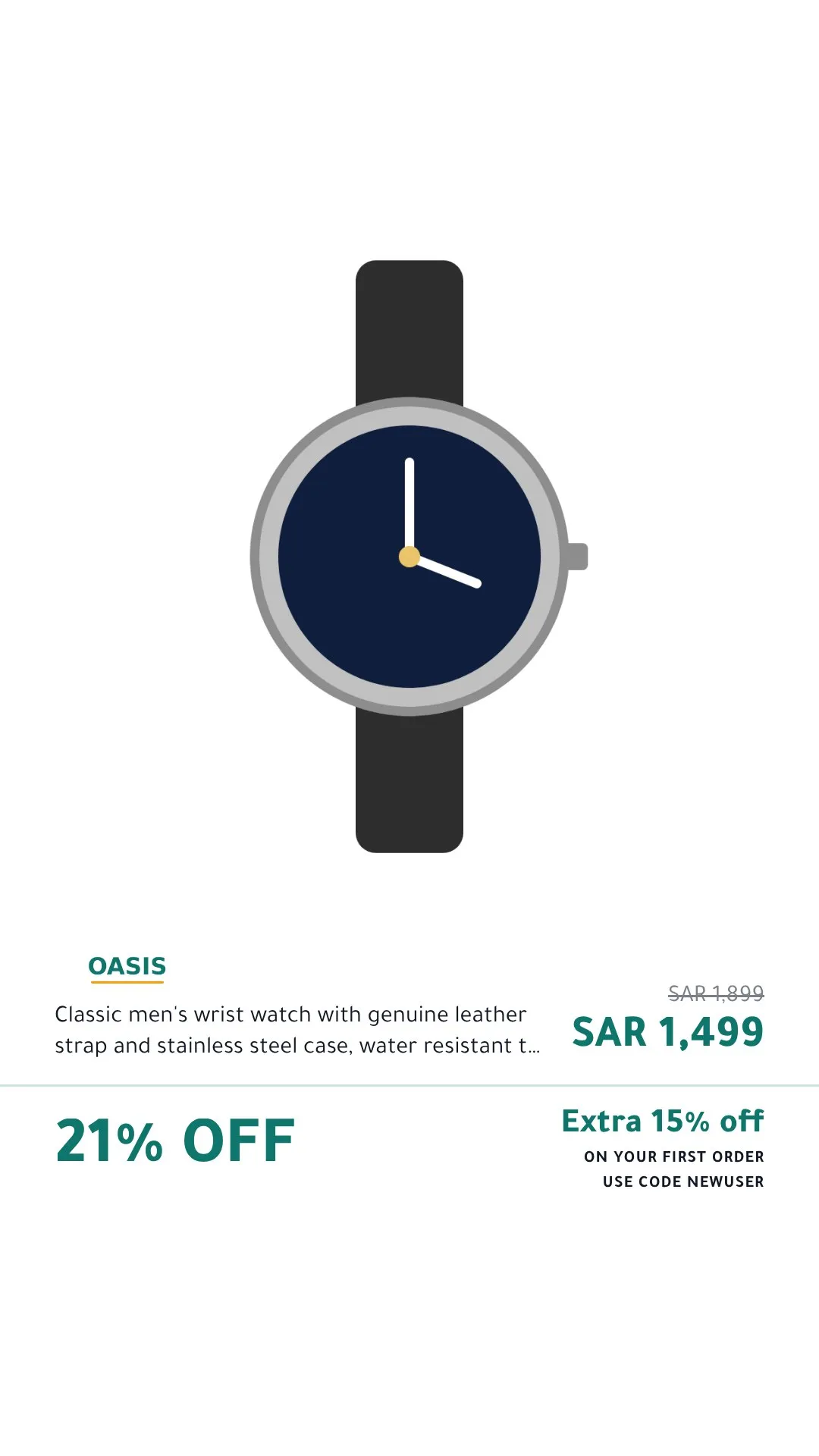
- Check both languages. If your feed has English titles, English images are drawn alongside the Arabic ones, and the language feed in your Meta catalog shows them to people who use Facebook or Instagram in English. Look at both.
- Arabic must join correctly. Ramadan creative is mostly Arabic. Images drawn in a real browser engine shape Arabic exactly as a phone does: letters join, text runs right to left, and numbers keep their order.
One week before: prices and instalments
- Set sale dates in your feed. A product counts as on sale only when its sale price is lower than its price and the time is inside its
sale_price_effective_date. With dates set, the sale image switches on and off on time. - Check your pay-later limits. Larger Ramadan baskets can cross a provider’s maximum. Instalment lines appear only within the minimum and maximum you set, so set them to match your agreement.
- Expect a burst of new images. A new design, or a price change across the catalog, draws each affected product again. Until a product’s new image exists, the feed shows your original photo, never an image with an old price.
On the night
Nothing to do, if the steps above are done. Check that your catalog’s feed schedule is hourly, open a few products in Commerce Manager after the switch, and watch the evening.
After Eid
Schedule the end, too. A Ramadan design left running into Shawwal looks forgotten, and a scheduled end returns every product to your regular design on time.
The template library shows every design in every size; start with the one that carries the offer you chose.
Read next
Feed problems
Why your catalog ad still shows the old image, and when that is on purpose
The five reasons a Meta or Snapchat catalog keeps an old product image after a change, how to tell them apart, and the one that is a safety feature.
· 3 min read
Catalog ad creative
Supplementary feed or full feed? Getting branded images into a Meta catalog
Two ways to put branded product images in your Meta catalog without rebuilding it, which one fits your store, and how to undo either in a minute.
· 3 min read
See your own products as branded catalog ads before anything goes live.
Get started